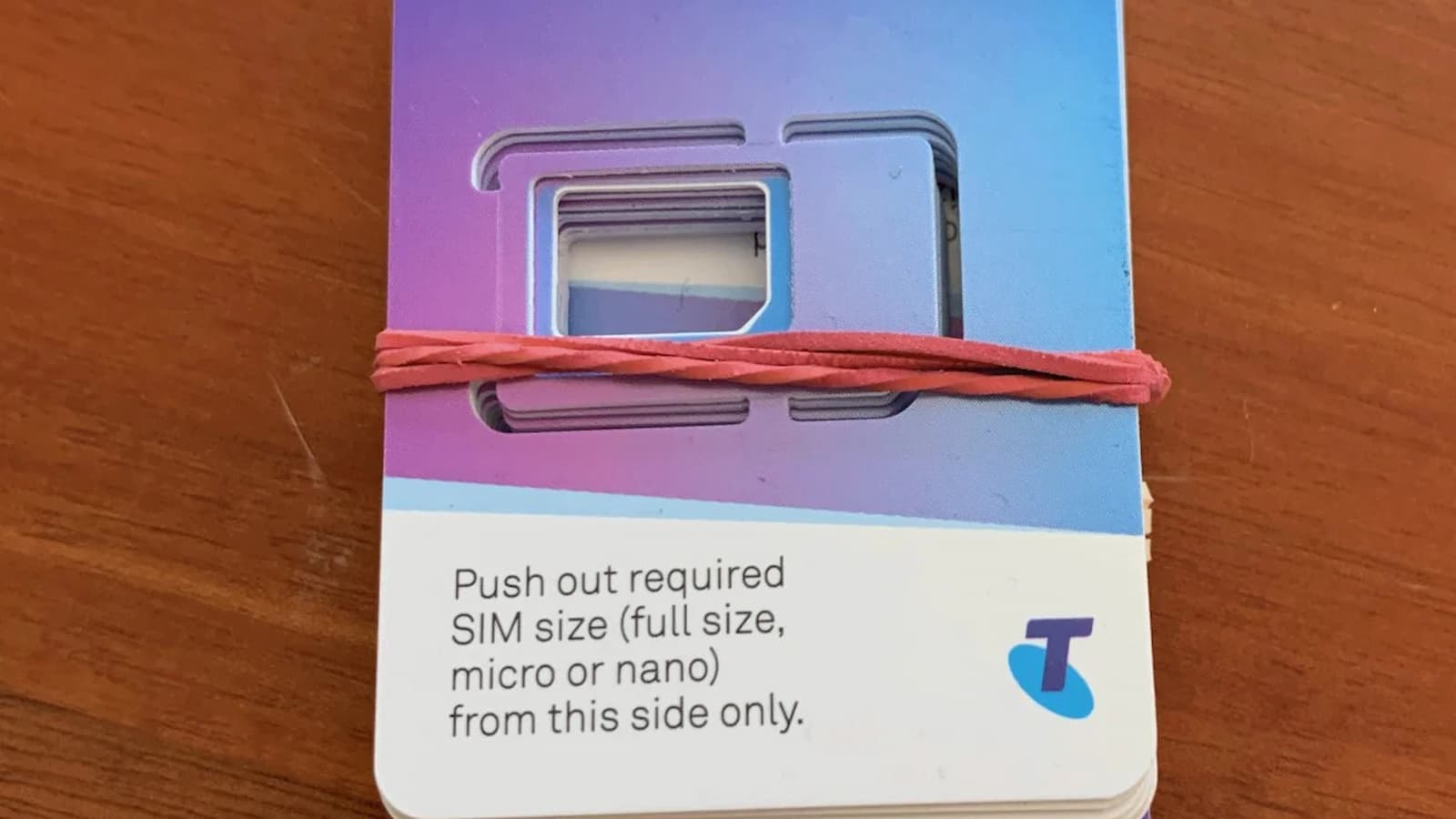
Telstra SIM Card Activation: Getting a new Telstra SIM card can feel confusing in the beginning, especially if it is your first time doing it. But the full process is not as hard as many people think. A Telstra SIM card is the small card that lets your phone join the Telstra mobile network. Without it, your phone cannot properly use the service. This little card connects your number to your device and helps your account work on the network.
When the SIM is put into the phone and activated the right way, your mobile service can start working. That is the main goal and after that, you can begin using calls, texts, and data based on the plan linked to your service.
DEEPBLUE Card Activation Online: Simple Guide for New Users
Know these things Before you Begin
- Keep your SIM serial number ready from the SIM pack. You will need it during activation.
- Check the number carefully before entering it. A wrong number can stop the setup.
- Keep your ID and contact details near you. Telstra may ask for them.
- Make sure your internet is working properly. A weak connection can interrupt activation.
- Check that the SIM is inserted in the phone the right way.
Remember that Telstra may use different activation methods for different users.
- Some services are activated online, while some are done through the My Telstra app.
- In some cases, a new SIM with a new number may activate by itself after delivery.
- If it does not start within about four hours, restarting the phone can help.
Different Ways Telstra SIM Activation Can Happen
Not every Telstra SIM is activated in the same way. That is why it is important to know whether you are using a Pre-Paid SIM, a post-paid service, or a newer Upfront mobile plan.
If you have a Pre-Paid SIM, the activation is usually done online. Users go to the Telstra activation page, choose the option for Pre-Paid activation, and then enter the SIM serial number from the pack. After that, the system guides them through the rest of the setup. If the service is linked to a recharge, that part may also need to be completed before everything fully starts.
If you want to keep an old number, Telstra may also give an option to transfer that number during the activation process. That can take a bit more time, so it helps to be patient and follow the steps carefully.
For post-paid or some Upfront mobile services, the steps can be different. In these cases, users may need to go through the My Telstra app instead of only using the website. The app can guide people to their order and show the SIM activation option there. Number transfer from another provider may also need to be done through the app.
So the first point is simple. You must know what kind of Telstra service you have. The second point is also important. You should use the correct method for that service. If you use the wrong path, the setup may get delayed or fail.
How Pre-Paid Activation Usually Works
For most Pre-Paid users, the steps are quite simple once everything is ready. You visit the Telstra activation page and choose “Activate my Pre-Paid Service”. Then you enter the SIM serial number. After that, you follow the instructions shown on the screen.
If you want a new number, the process is usually more direct. If you want to keep your old number, there may be extra steps. In some cases, you may also need to choose a plan and complete a recharge before the SIM becomes fully usable.
A lot of people run into trouble here because of small typing mistakes. This is why checking the SIM number again before pressing submit can help a lot. A bad internet connection can also slow down the page or stop the activation from going through.
How Post-Paid and Upfront Activation Feels Different
Post-paid and newer Telstra mobile services do not always follow the same route as Pre-Paid. Some of them work through the My Telstra app. This means the user signs in, finds their order, and then follows the in-app steps to activate the SIM.
This may sound a little more complicated, but it is often easier once the user is already signed in. The app already knows the account details, so there is less manual typing in many cases. That can make the process feel faster and cleaner.
Telstra also says that some services with a fresh new number may auto-activate after they are delivered. In that case, the user may not need to do much at all. But if the service still does not start after a few hours, switching the phone off and back on can help the device reconnect properly.
Why a Telstra ID Can Make Things Easier
A Telstra ID can save time during activation. Instead of entering lots of details again and again, the user can sign in and let the system use the account information already connected to the service.
This is one reason many people find My Telstra easier to use. When the login is done first, the process can move in a smoother way. The account details are already there, so the setup often feels less messy.
How to Activate Your Barclays Card Online in Easy Steps
This does not mean there will never be a problem, but it does remove some of the extra work. For users who already have a Telstra ID, using it is usually the easier option.
Business SIM Setup
For businesses, activating a Telstra SIM is an important step because it helps team members stay connected. To start, keep the SIM serial number ready along with your ID and contact details. Then go to the Telstra activation page and follow the steps.
Using a Telstra ID can make the process faster. You just sign in and complete the setup on screen. If there is any problem, Telstra support can help. It is also important to keep your internet connection stable while doing the activation.
Small Problems that can Stop Activation
Sometimes the SIM does not activate on the first try. That can happen for many reasons, and most of them are quite basic.
- The SIM may be entered the wrong way.
- The serial number may be typed wrong.
- The phone may not be connected properly to the internet.
- In some cases, the device software may also be outdated.
When this happens, the first thing to do is not panic. Do these:
- Check the SIM placement.
- Check the number again.
- Refresh the page if you are activating online.
- If needed, try another browser or another device.
- Restart can also solve more problems than people expect.
If the service should already be active but still is not working, it is often a good idea to give it a little time and then restart the phone again. For replacement SIMs on some mobile plans, users may also need to contact Telstra support directly.
That is why it helps to go step by step. First,
- Check the SIM.
- Check the internet.
- Check the number you entered.
- Then restart the phone if needed.
Fast Activation
Quick activation is useful because no one wants to sit and wait too long for a new mobile service to start. When the SIM activates fast, the phone can be used sooner for calling, texting, and internet access.
It also reduces stress. If everything is ready before the process starts, there is less chance of making mistakes. Having the serial number, ID, contact details, and internet prepared in advance can make the whole experience much smoother.
This matters even more for business users. A company team needs working mobile service without delay. If one SIM stays inactive for too long, that can affect work and communication. So a fast and correct setup is not just convenient. It can also be very important.
Telstra SIM Activation: Important Tips
When activating your Telstra SIM card, it’s important to take note of a few key tips to guarantee a smooth, hassle-free process. Here’s an activation process overview to guide you:
How to Activate Your US Bank ReliaCard Online Step by Step
- Locate your SIM serial number on the SIM kit.
- Keep your ID and contact details handy.
- Confirm a stable internet connection.
- Access the telstra.com/activate URL.
- Follow the on-screen instructions.
Beware of common activation errors such as incorrect SIM serial number entry or unstable internet connection. If you encounter issues, utilize these activation troubleshooting tips:
- Double-check your SIM serial number.
- Refresh your internet connection.
- Revisit the activation URL.
- Follow the activation process steps diligently.
- Contact Telstra customer service if necessary.