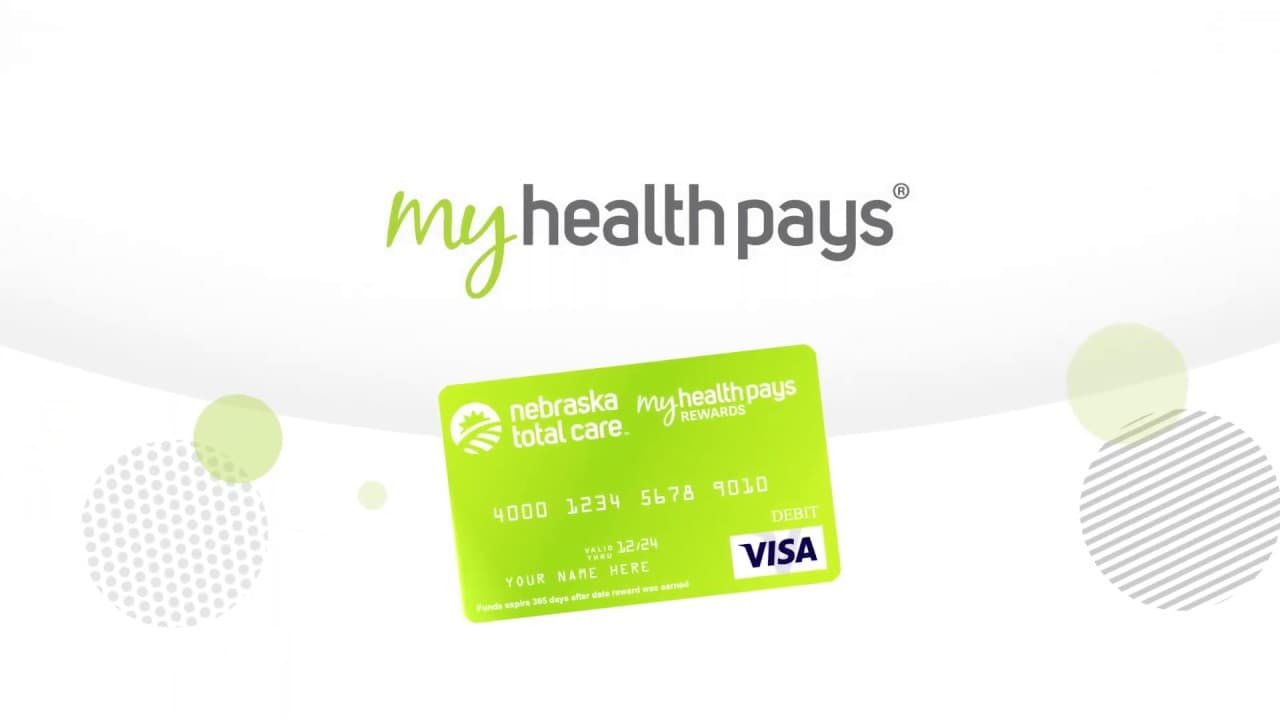
My Health Pays Reward Card Activation: Getting your My Health Pays Rewards Card ready is meant to be simple. The main idea is that you go to the My Health Pays or Ambetter member area online, sign in, and follow the activation steps shown on the screen. Ambetter’s official My Health Pays pages say new members should log in to their Online Member Account, accept the My Health Pays terms and conditions, and then start the program from there. Ambetter also says members can activate My Health Pays rewards and begin earning rewards through their online member account.
How to Activate Your Skylight One Card Online nd Verify Your Identity?
To complete activation, you usually need your Member ID and personal details for verification. The setup also includes making a PIN so your account stays protected. Ambetter’s support material says card help is available for “Activate Card / Obtain or Reset PIN,” which shows that PIN setup is an important part of using the rewards card.
Simple Steps to Get the Card Ready
- Open the My Health Pays or Ambetter member portal in your browser and sign in with your member details.
- After that, you move to the rewards section and begin the activation flow. You may be asked to enter your Member ID, birth date, and ZIP code so the system can match your account.
- Then you create your personal PIN and finish the last step shown on the page.
- After that, the card should be ready to use for eligible rewards activity and balance access.
How to Activate Your Best Buy Credit Card Account Online
What to Do if Something Goes Wrong?
Sometimes the problem is not big. A wrong Member ID, an incorrect birth date, or the wrong ZIP code can stop the card from activating. In some cases, the page may not load properly, so trying again later or signing in from a different browser can help. If your Member ID is not being accepted, Ambetter says you can find your ID in your online member account or digital ID card tools.
If the issue does not go away, support is available. Ambetter’s Help Center says new members can activate My Health Pays through their online account and contact support if needed. A support PDF also lists phone help for card activation or PIN reset at 1-888-514-6841, and separate help for card balance and last transactions at 1-866-809-1091. For general help, Ambetter’s website also directs members to the Help Center and Contact Us pages.
| Step | Description | Support |
|---|---|---|
| 1 | Check the information entered | Make sure the Member ID, birth date, and ZIP code match with your records |
| 2 | PIN Security | Create a strong PIN and note it down securely |
| 3 | Member ID Verification | If your Member ID isn’t recognized, verify it from your health insurance card |
| 4 | Customer Service | If you’re still facing issues, reach out to customer service for assistance |
| 5 | Relax and Retry | Sometimes, a simple page refresh or trying after a while can help |