
Activate OpenSky Credit Card Online: The OpenSky® Secured Visa® Credit Card requires activation for users to perform financial transactions and utilize online account services after they receive their card.
What is the OpenSky Credit Card?
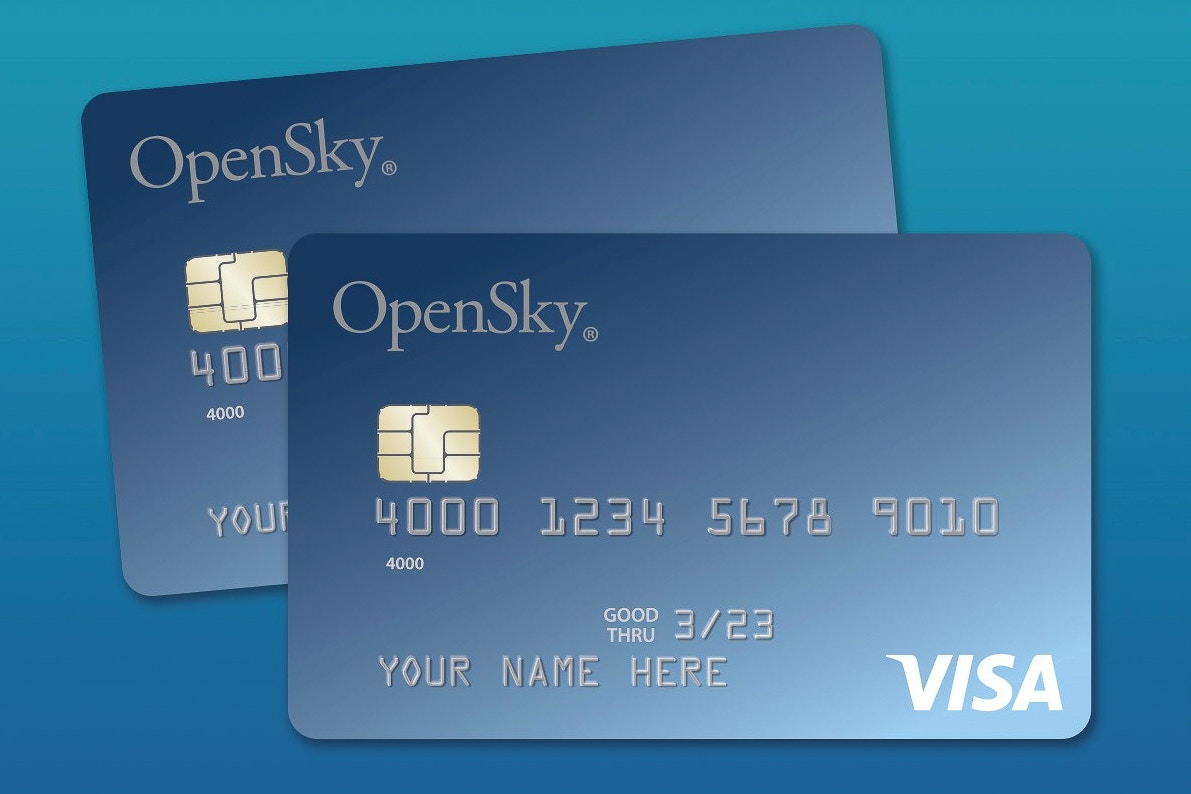
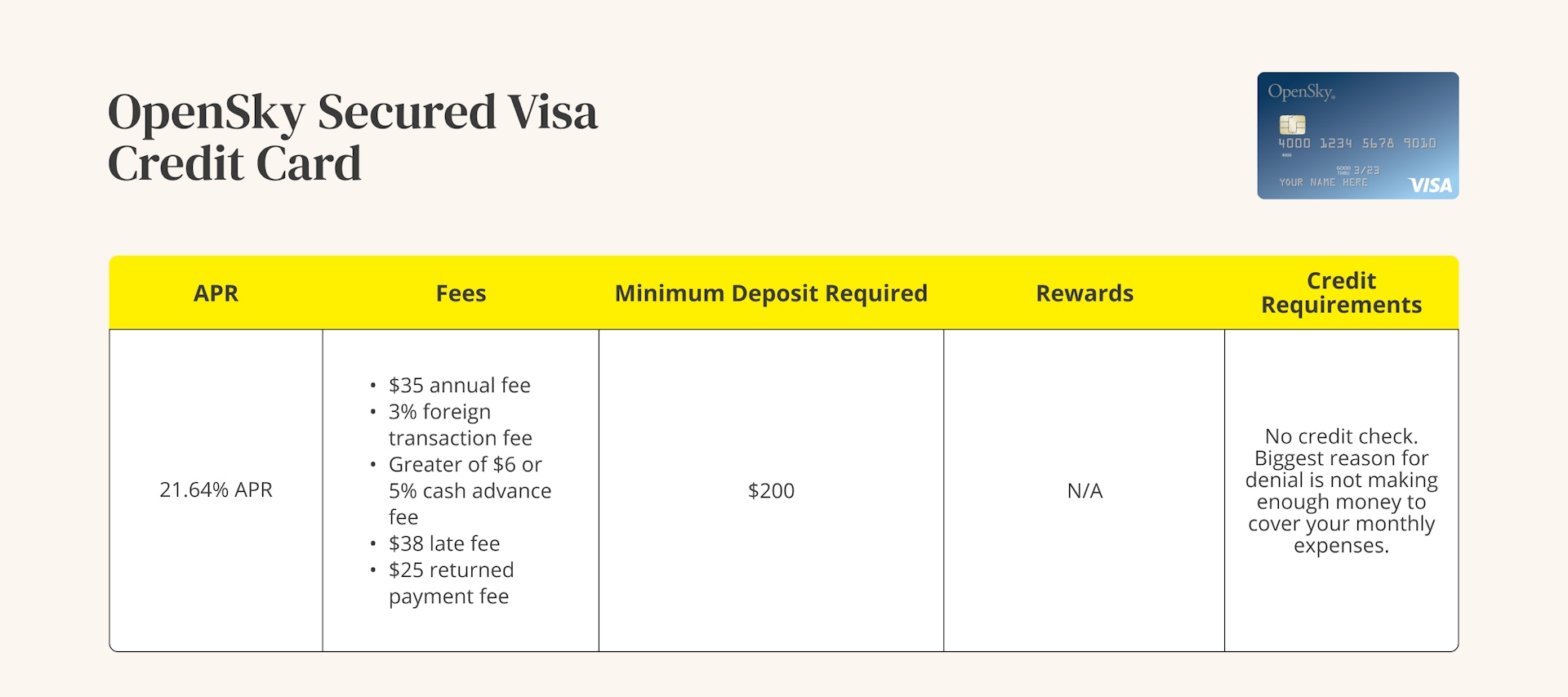
The OpenSky Secured Visa Credit Card, issued by Capital Bank, is designed primarily for individuals who want to build or rebuild their credit history. OpenSky provides access to its credit card services without requiring users to undergo a credit check process which makes it available to individuals who possess limited or bad credit records.
The credit limit functions as the maximum borrowing amount for secured credit cards because it derives from the security deposit which applicants must pay during their application. The card requires activation after the approval process so that users can begin using it for purchases.
When Should You Activate Your OpenSky Credit Card?
The physical card will arrive at your location between 12 to 14 business days after the approval process ends. Users should complete activation as soon as the card arrives because this step enables them to use their card for purchases and manage their accounts.
Activating the card enables:
- Online purchases
- In-store transactions
- Access to account management features
- Payment tracking and balance monitoring
Step-by-Step: How to Activate OpenSky Credit Card Online?
Step 1: Visit the Official OpenSky Website
Visit the official OpenSky website to access the account management section. Start from the homepage and choose either the “MyAccount” option or the “Activate Card” option.
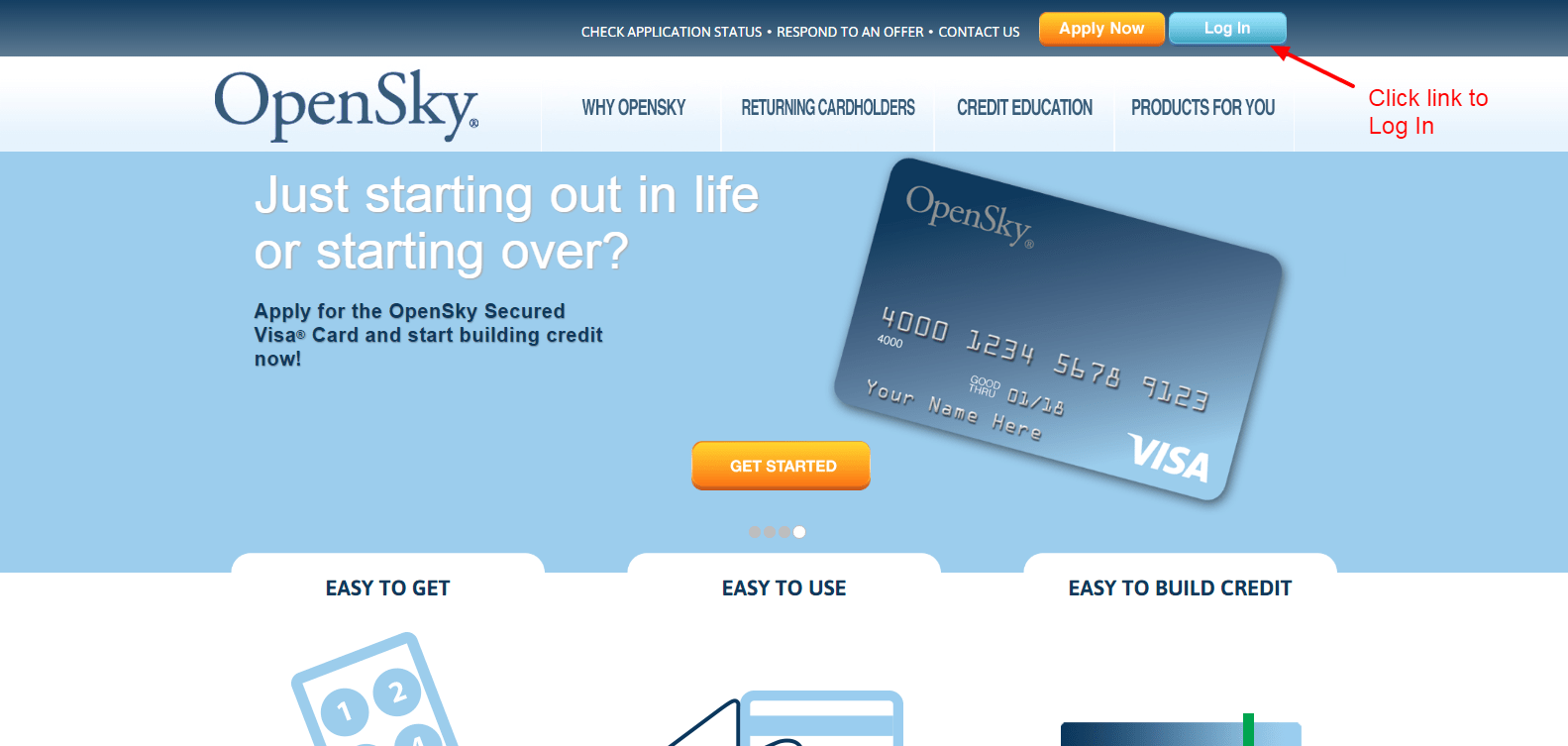
You will be directed to the card activation page through this link.
Step 2: Enter Your Card Details
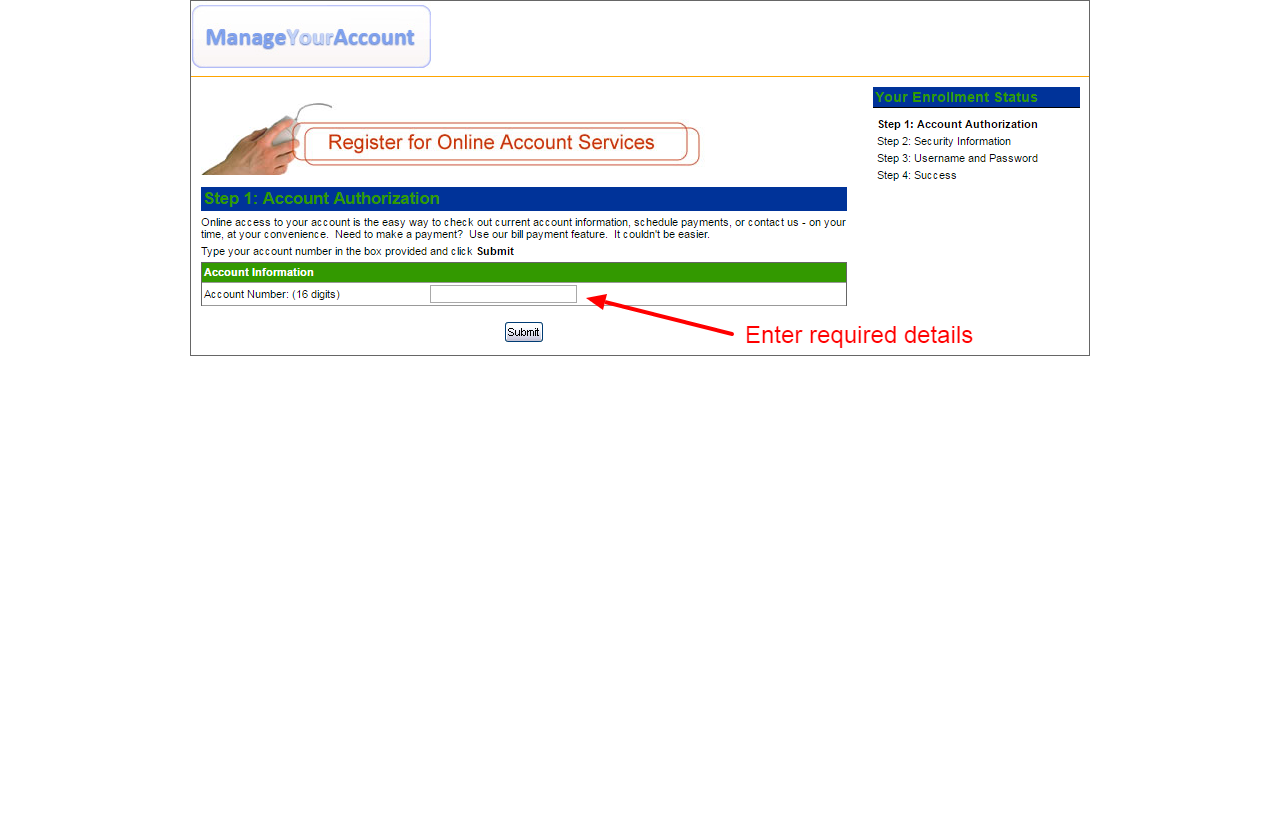
You will be asked to provide basic card information for verification.
Required details generally include:
- Credit card account number
- Security code (CVV) on the back of the card
- Date of birth
- Last four digits of your Social Security number
Step 3: Submit the Activation Request
The user must click either the Submit button or the Activate button after they complete the information fields.
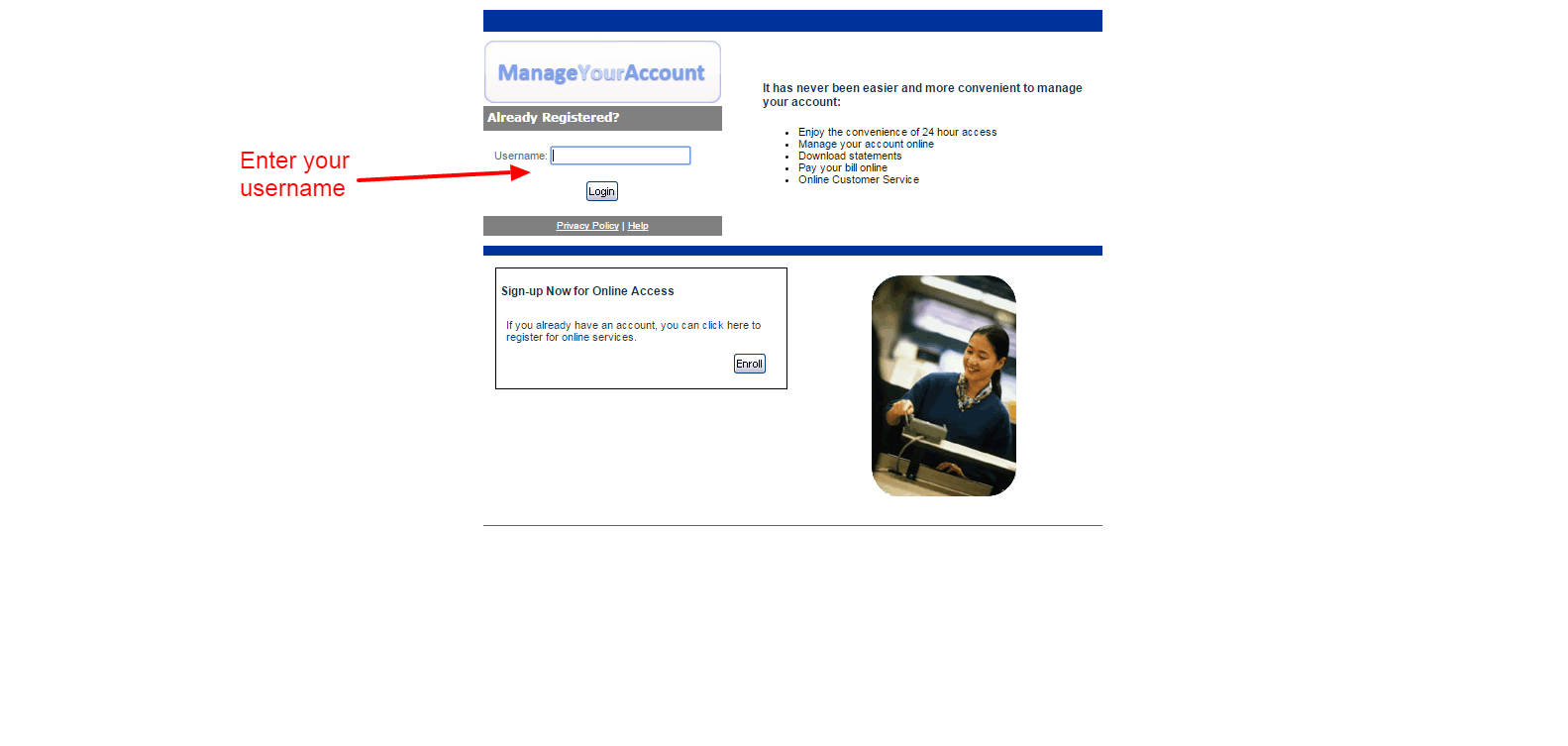
The system will process your request and verify the provided details with your account records.
Step 4: Confirmation of Activation
The website will display confirmation of successful card activation after the procedure has been finished.
At this point:
- Your card becomes ready for purchases
- Online account management features become accessible
- You can begin building your credit history immediately
- Activation usually takes only a few seconds.
Creating Your Online Account After Activation
To create an account:
1. Go to the OpenSky website.
2. Click Sign In.
3. Select Need to Enroll.
4. Create your login credentials.
You can control your card through online management after registration which lets you do the following activities:
- Viewing transaction history
- Checking payment due dates
- Monitoring balances
- Making online payments
- Setting up payment reminders or alerts.
Alternative Method: Activate OpenSky Credit Card by Phone
If you prefer not to activate your card online, you can also activate it by phone.
Steps
1. Call the OpenSky customer service number.
2. Follow the automated instructions.
3. Provide your card details for verification.
4. Confirm the activation.
The activation phone number is 1-800-859-6412, and support is available 24 hours a day, 7 days a week.
What to Do After Activating Your Card?
Card activation represents only the initial phase of the process. To achieve the maximum benefits from the OpenSky credit card, you must maintain proper account management.
Set Up Autopay
Automatic payments ensure you never miss a due date, which helps improve your credit score.
Enable Payment Alerts
Payment reminders notify you when a bill is due.
Monitor Your Transactions
You should check your account regularly to monitor your spending and prevent reaching your credit limit.
Keep Credit Utilization Low
Experts recommend using less than 30% of your credit limit to maintain a healthy credit profile.
How To Activate Telstra SIM Card Service Step by Step
Common Problems During OpenSky Card Activation
Although activation is usually quick, some users encounter minor issues. The most common problems include:
Incorrect Personal Details
Information matching the application records must be entered for successful activation to occur.
Card Not Yet Registered in System
The system requires time to process newly issued cards.
Browser or Website Errors
Website errors can be solved by using another browser or by clearing the cache.
If problems persist, contacting customer service is recommended.
The online activation process for the OpenSky credit card can be completed within minutes because it offers users a fast and easy method to activate their cards. The official website allows you to activate your card and manage your account online after you enter your card details and confirm your activation request.