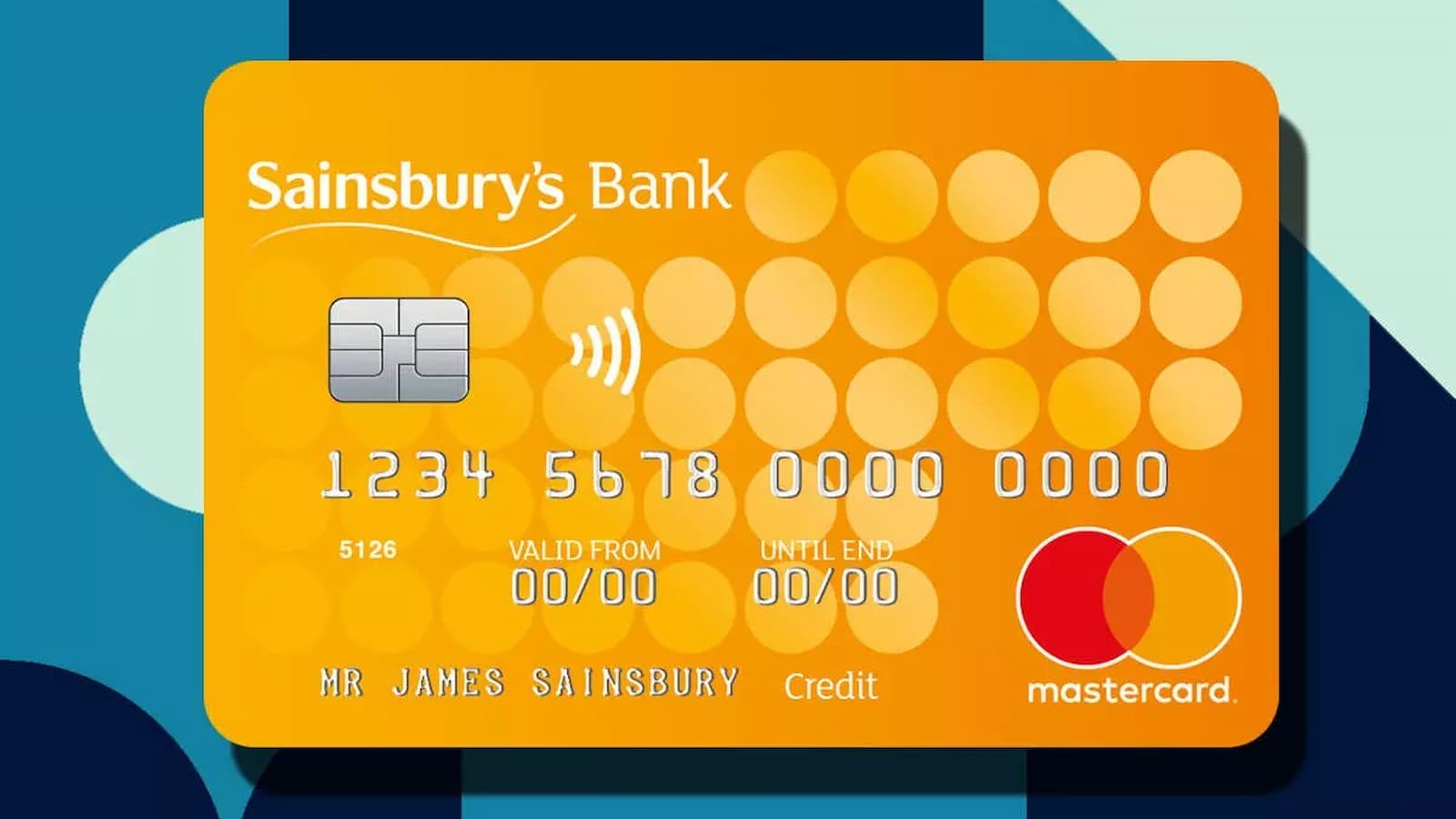
Sainsbury’s Credit Card Activation Online: A Sainsbury’s Credit Card can do more than just pay for shopping. It can help you manage money online, check what you spent, make payments, and handle card settings without much trouble. Sainsbury’s Bank says credit card customers can use online banking to view statements, see balance and transactions, make payments, set up or change Direct Debit, ask for a replacement card, request a PIN reminder, and send a secure message. Since 1 May 2025, Sainsbury’s Bank branded credit cards have been provided by National Westminster Bank Plc, while Sainsbury’s Bank still services them.
How to Activate Sam’s Club Credit Card: Steps, Benefits, Payments, and Alternatives
Many people also like this card because of Nectar points. Sainsbury’s Bank documents say there has been no change to how customers collect Nectar points with their Sainsbury’s Bank Credit Card. So the card is not only for spending money. It can also give rewards while you use it in normal life.
How to Activate and Register It Online
To start using the card properly online, you need to register for online banking. Sainsbury’s Bank says you must register before you can log in. For registration, you need your account details and your mobile phone because the bank sends a security code to confirm it is really you. Their login guide also says you later use your username, the last 3 digits of your mobile number, a one-time passcode, your password, and your 6-digit Online PIN.
- Go to the official Sainsbury’s Bank register and activate page.
- Enter the details asked for and create your login information. This includes a username, password, and 6-digit Online PIN.
- Use your mobile phone when the bank sends a security code or one-time passcode.
- Finish the registration. Once registered, your card can be managed through online banking. Sainsbury’s Bank also says card activation can be done using online banking, and once you have registered the card will automatically activate.
If you ever have login trouble, the bank’s guide says to check your username, password, and Online PIN carefully. It also explains that you can use the forgotten username, forgotten password, or forgotten PIN process if needed.
How To Activate Telstra SIM Card Service Step by Step
How to Use the Card Better after Activation
Once the card is active and your online banking is ready, things become much easier. You can log in and keep track of your card anytime. Sainsbury’s Bank says online banking lets you look at your statements, watch your spending, see the payment date, and make payments directly from your account area. You can also set up a Direct Debit or change it later if you want more control over monthly repayments.
- Check your balance and transactions often so you know where your money is going.
- Make payments online through your account to stay on top of the bill.
- Set up Direct Debit if you do not want to forget payment dates.
- Use the secure message feature or support pages if you need help with the account.
- Ask for a PIN reminder or replacement card online if a problem comes up.
There are also a few basic rules before getting or using the card. Sainsbury’s Bank says for credit, you must be at least 18 years old and live in the UK, not including the Channel Islands and Isle of Man. The bank also says all lending depends on its checks of your financial situation.