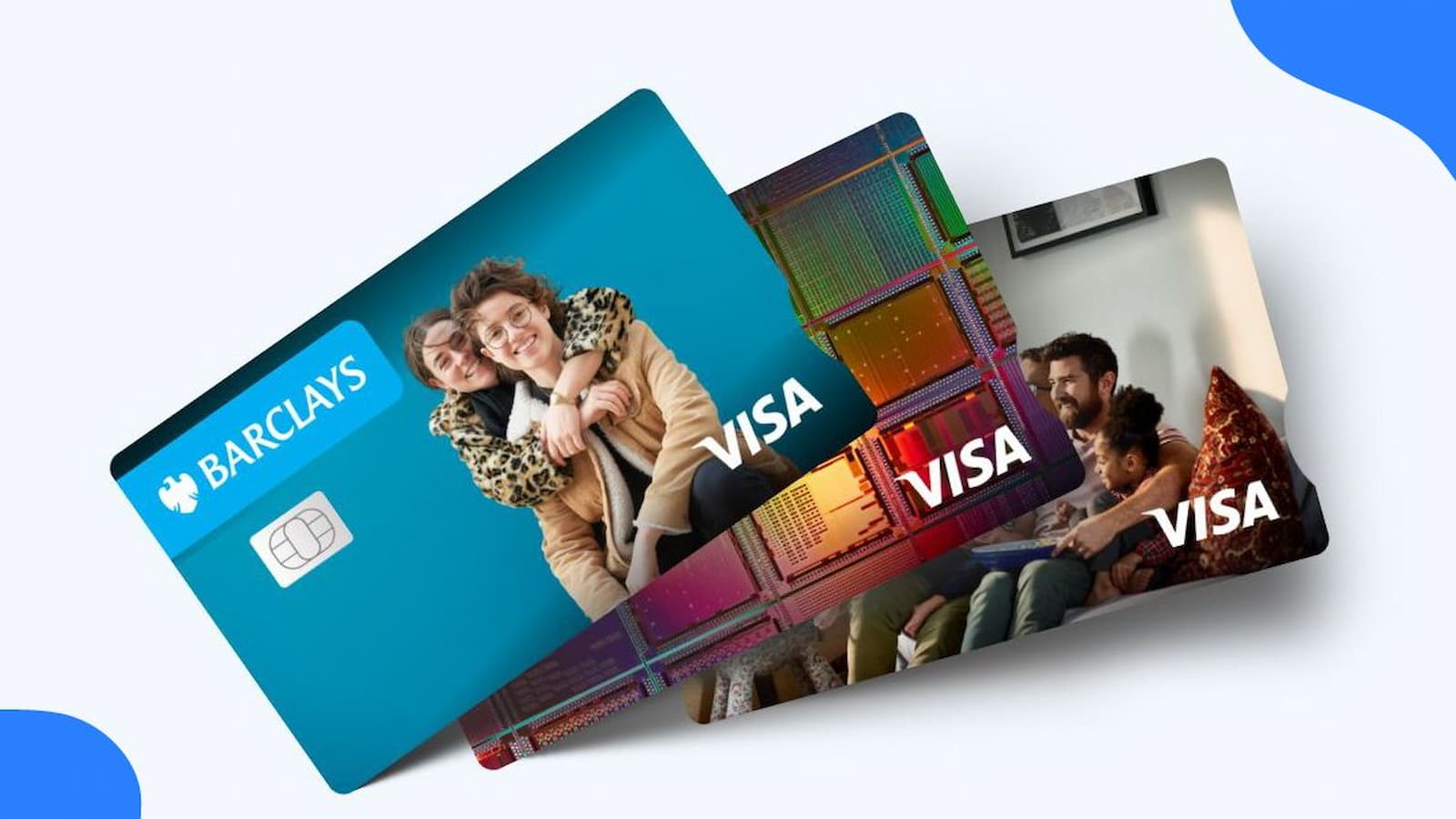
Barclays Card Activation Online: When your new Barclays card comes in the mail, you cannot use it right away. First, you need to activate it. Barclays currently lets people do this online by going to its card activation page. The company also directs customers to set up online access and use the Barclays US app for account help. Barclays’ official card servicing pages show options like “Activate your new card” and “Set up online access.”
Online Process
- You go to the activation page and enter the main cardholder’s details to get started.
- After that, you follow the steps on the screen.
- If you are also making your online account, Barclays asks you to create login details so you can safely use your account later.
This helps because once your account is set up, you can check spending, see your balance, and manage your card in one place. Barclays also has an official app called “Barclays US Credit Cards,” which is available through the Apple App Store and Google Play.
How to Activate Amex Bluebird Card Online at bluebird.com/activate
Customer Care
If something goes wrong during activation, help is available. Barclays says customers can contact support through its help center, and the company lists a dedicated phone number for credit card activation. The official contact page lists credit card activation support at 877-408-8866, along with general help options. The help center also says support is available 24 hours a day, 7 days a week.
Why Online Setup can be uUseful?
Making an online Barclays account can help in many ways. It is not just for turning the card on. It also makes it easier to see your transactions, manage payments, and keep an eye on your account. Barclays’ payment FAQ says customers can pay using the Barclays US App, by signing in online, or by phone. So having online access makes normal card use much easier.
Online access can also help with safety. If your card is lost or stolen, Barclays says you can report it in the Barclays US App by going to “Manage my cards” and choosing the lost card or fraud option. Barclays also says there is no fee to replace a lost or stolen card. That means the app is not only for checking your balance. It can also help fast when there is a problem.
You should also know that some charges may apply depending on how you use the card. Barclays says cash advance fees can apply, and the company tells customers to check the Cardmember Agreement for the exact details. That is why reading the agreement matters. It can tell you about fees, rates, payment rules, and other important card terms before you start using the card a lot.
Simple steps for Activation and other card help
Here is the process in an easy way.
- Go to the official Barclays activation page.
- Enter the main cardholder details asked on the screen.
- Follow the steps to finish activation.
- If needed, set up online access for your account.
- Download the Barclays US Credit Cards app if you want to manage the card on your phone.
If you want to register your online account, the basic flow is like this.
- Open the Barclays website and choose the option to register or set up online access.
- Fill in your personal and account details.
- Make a username, password, and security setup.
- Complete the final verification step if asked.
How to Activate Your JetBlue Mastercard Online? Simple Guide
What to do If your card is Lost or Stole?
- Contact Barclays as soon as you notice the card is missing.
- Use the Barclays US App and go to “Manage my cards” to report a lost card or fraud.
- Ask for a replacement card if needed.
If you want to ask for a higher credit limit or get help with payments, Barclays handles that through account servicing and customer support. For mailed payments, Barclays tells customers to use the payment address shown on their monthly statement