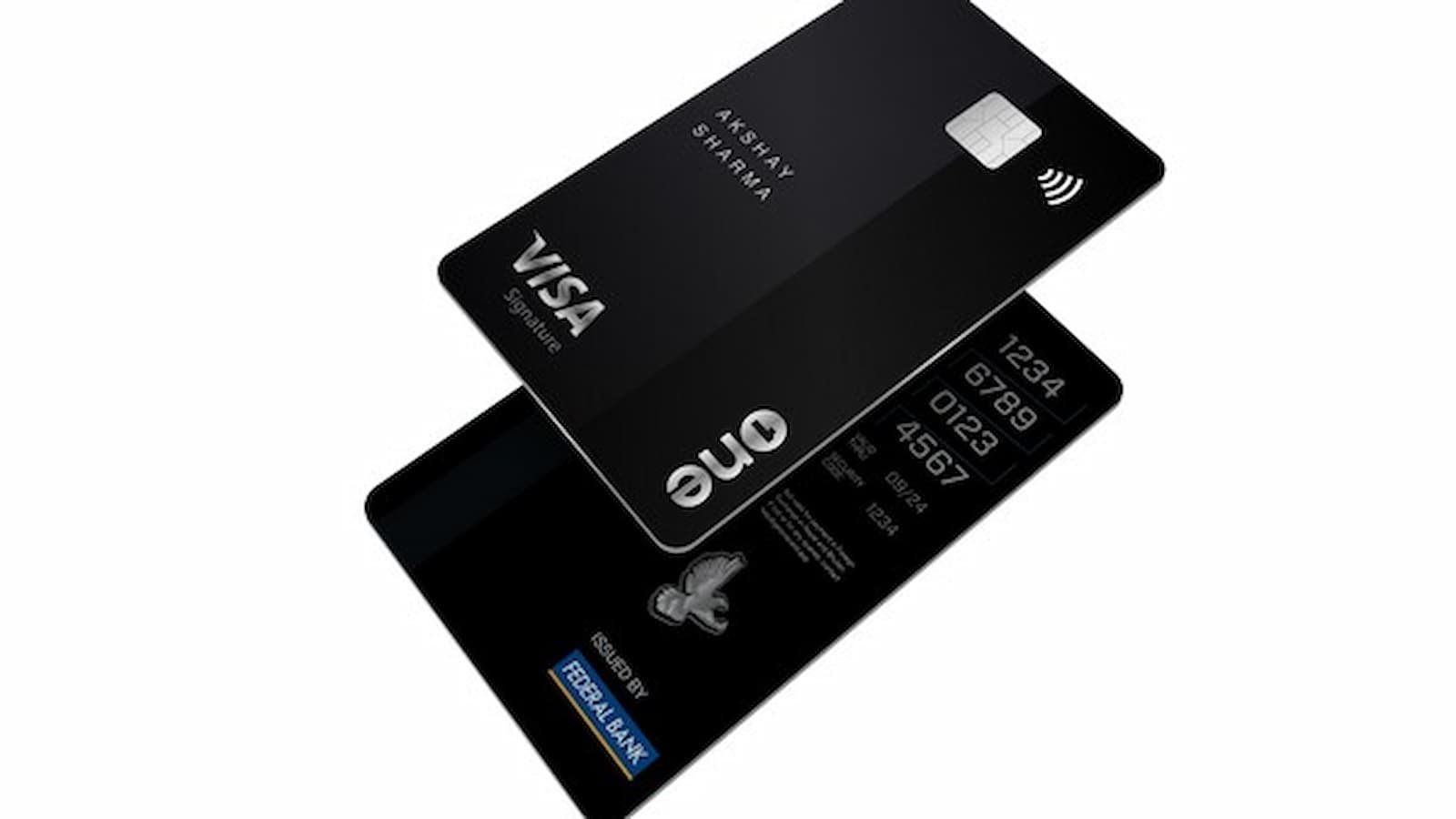
How to Activate Your Credit One Bank Card: If you just received your Credit One Bank credit card, you must activate it before using it. You cannot make purchases until the card is activated. In fact, if you do not activate your new card within 14 days of its arrival in the mail, your account may be automatically closed.
How To Activate Your Credit One Bank Card?
Activate via Phone:
New cards can only be activated over the phone.
- To activate, call the toll-free number printed on the sticker attached to your new card.
- A commonly reported activation number is (800) 797-6534
- During the call, you will be asked to enter your full 16-digit card number.
- You may also need to confirm your date of birth or the last 4 digits of your Social Security number.
- The 3-digit security code (CVV) on the back of the card will also be required.
- Once your details are verified, your card will be ready to use.
Activate Online:
Some people also try to activate online:
- Visit www.creditonebank.com/activate and enter your 16-digit card number and security code.
- You may also be asked for your expiration date and the last 4 digits of your Social Security number.
- Activate your card as instructed.
- For brand new cards, activation is only completed by phone.
Via the mobile app:
- Open the Credit One mobile app on your smartphone.
- Log in to your account using your online banking username and password.
- Tap the “Activate Card” button on the home screen or account dashboard.
- Enter the required security information to verify your identity.
- Follow the on-screen instructions to complete the activation process.
- Wait for the confirmation message indicating that your card has been successfully activated.
WHOOP Life Membership: Features, Benefits, and Savings Explained
If you already have access to your online account or the Credit One mobile app, you can sign in and look for a card activation message on your dashboard. Follow the steps shown on your screen.
If you are traveling outside the United States and need help, you can call 1-702-405-2042. Credit One Bank may block transactions from high-risk areas to prevent fraud.
How to Get a Credit One Credit Card PIN
- Call Credit One customer service at 1-877-825-3242 or the number on the back of your card.
- Request a credit card PIN from the representative.
- Alternatively, log in to your Credit One online account and request a PIN through the website.
- Receive your PIN by mail, text message, or email, depending on the available options.
Note: You need a PIN to withdraw cash advances from ATMs and for certain transactions while traveling abroad.
About Credit One Bank
Credit One Bank is a technology and data-driven financial services company that offers many types of credit cards. It is one of the largest credit card banks in the United States.
The bank issues Visa®, Mastercard® and American Express® cards to millions of customers across the country. The company says it focuses on customer service and offers credit cards with modern features.
If you want to apply for a new card, you can accept a pre-approved offer that was mailed to you. You can also visit CreditOneBank.com to see if you are pre-qualified for an offer.
How to Set Up or Cancel AutoPay
If you want your payments to be made each month automatically, you can enroll in AutoPay. To do this:
- Sign in to your online account and click on “Pay Bill” at the top of the page.
- Next to “AutoPay” click “Set Up.”
- If you have more than one card, choose the account you want to pay.
- Then choose the bank account you want to pay from.
- You can decide if you want to pay your Minimum Payment or your Last Statement Balance each month.
- After choosing, click “Continue.”
- Check that all details are correct and click “Confirm.”
- You will receive a notice showing the start date of your first automatic payment.
How to Activate Wisdom Panel DNA Kit at WisdomPanel.com/Activate (Step-by-Step Guide)
Keep in mind that if you set up AutoPay within 4 days of your Payment Due Date, you must still make at least your Minimum Payment for that month using a one-time payment. This helps you avoid a late fee.
- If you later decide to stop AutoPay,
- Sign in again and go to “Pay Bill.”
- Click the arrow next to “AutoPay: On” and select “Cancel AutoPay.”
- You will see a confirmation screen once it is canceled.
- Remember that any payments already pending cannot be stopped.
Sending Documents to Credit One Bank
If the bank asks you to send documents, the fastest way is through the “Forms & File Uploads” section on the website. When you submit your form online, your files are sent securely to Customer Service.
After submitting, you will get a confirmation receipt with a case number. It is a good idea to print or save this receipt. You can also check your case status by clicking on the “Case History” tab.
If you prefer not to upload documents online, you can also mail them by post. But sending documents through the website is usually quicker.
Activating your card and managing your account is simple once you follow the steps carefully. Just remember to activate your new card within 14 days so your account stays active and ready to use.