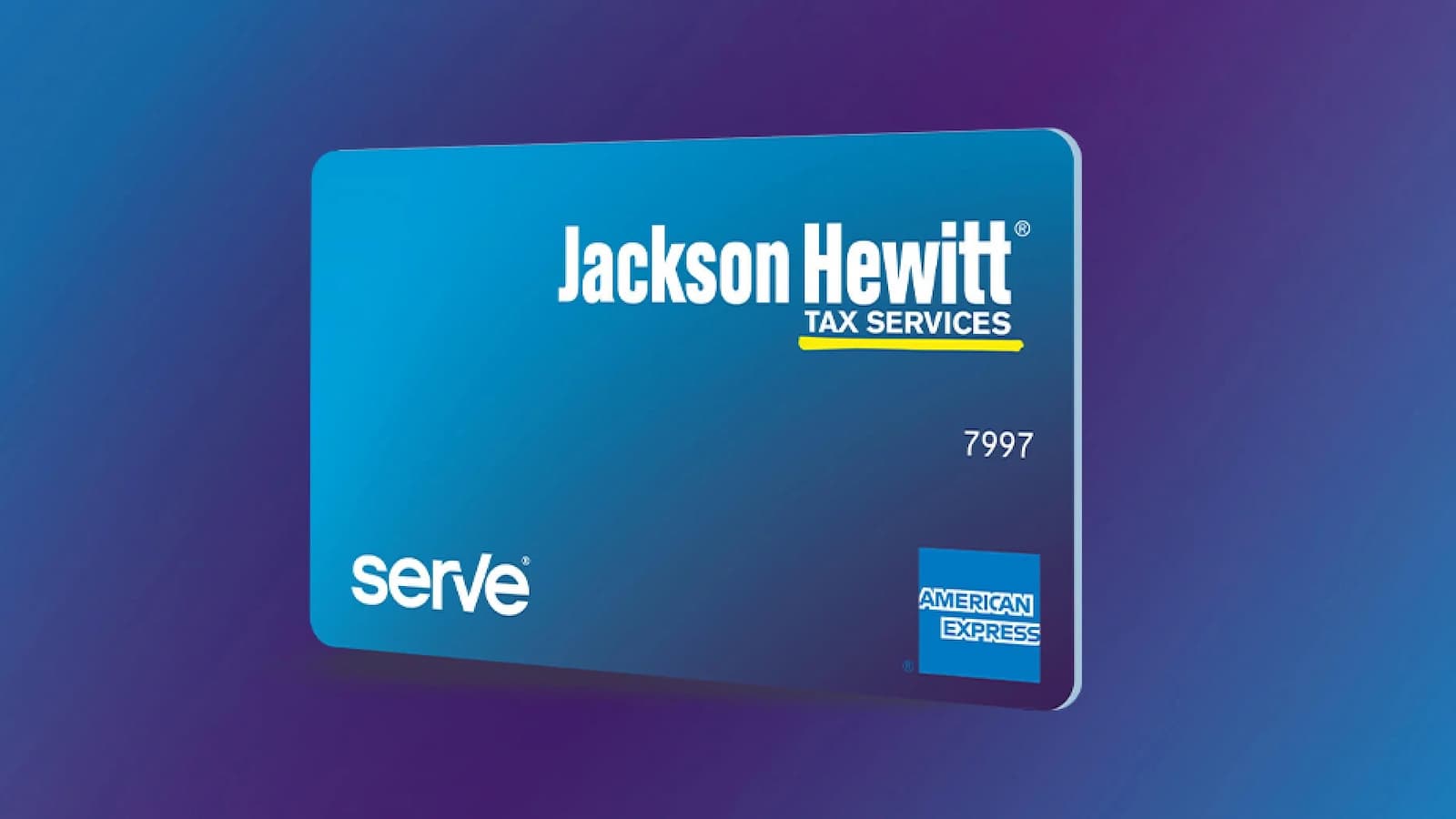
Jackson Hewitt Serve Card Activation Online: If you got a Jackson Hewitt Serve card after your tax appointment, you need to activate it before using it fully. You can do this online, by phone, or through the Serve mobile app.
1. Activate Online (Recommended)
The easiest way to activate your card is online.
- Go to the official page at secure.serve.com/login/jacksonhewitt.
- Sign in using the username and password you created during the “Online Account Setup” email.
- Once logged in, look for the card activation notification.
- You may need to click the arrow or scroll to see the “Activate” button.
- You will then need to enter your card number and the 4-digit security code (CSC) found on the back of the card.
Build Faster Runners with Kitasan Black: Best Speed SSR Card Guide
2. Activate via Phone
- If you don’t want to use the website, you can activate your card by calling 1-833-729-9646.
- Follow the voice prompts and enter your card information to complete the activation.
3. Using the Serve Mobile App
You can also use the Serve mobile app, available for iOS and Android.
- Log in with your Jackson Hewitt account credentials.
- The app usually asks you to activate your new personalized card as soon as you log in.
Important Points to Note
Temporary vs. Personalized Cards
If you got a temporary card at the Jackson Hewitt office, it is already active for limited use. But to get a personalized card and unlock full features like ATM access and bill pay, you must complete the online setup and activation.
How to Activate Your ASIFlex Card Quickly and Easily
Email Link
- If you have not set up your login yet, check your email for a message from servicing@app.serve.com with the subject “Please Set Up Your Online Account.”
- This email has a special link sent on the day of your tax appointment.
If you run into any problems or did not receive the setup email, you can call Jackson Hewitt Serve customer service at 1-855-431-6040 for help.