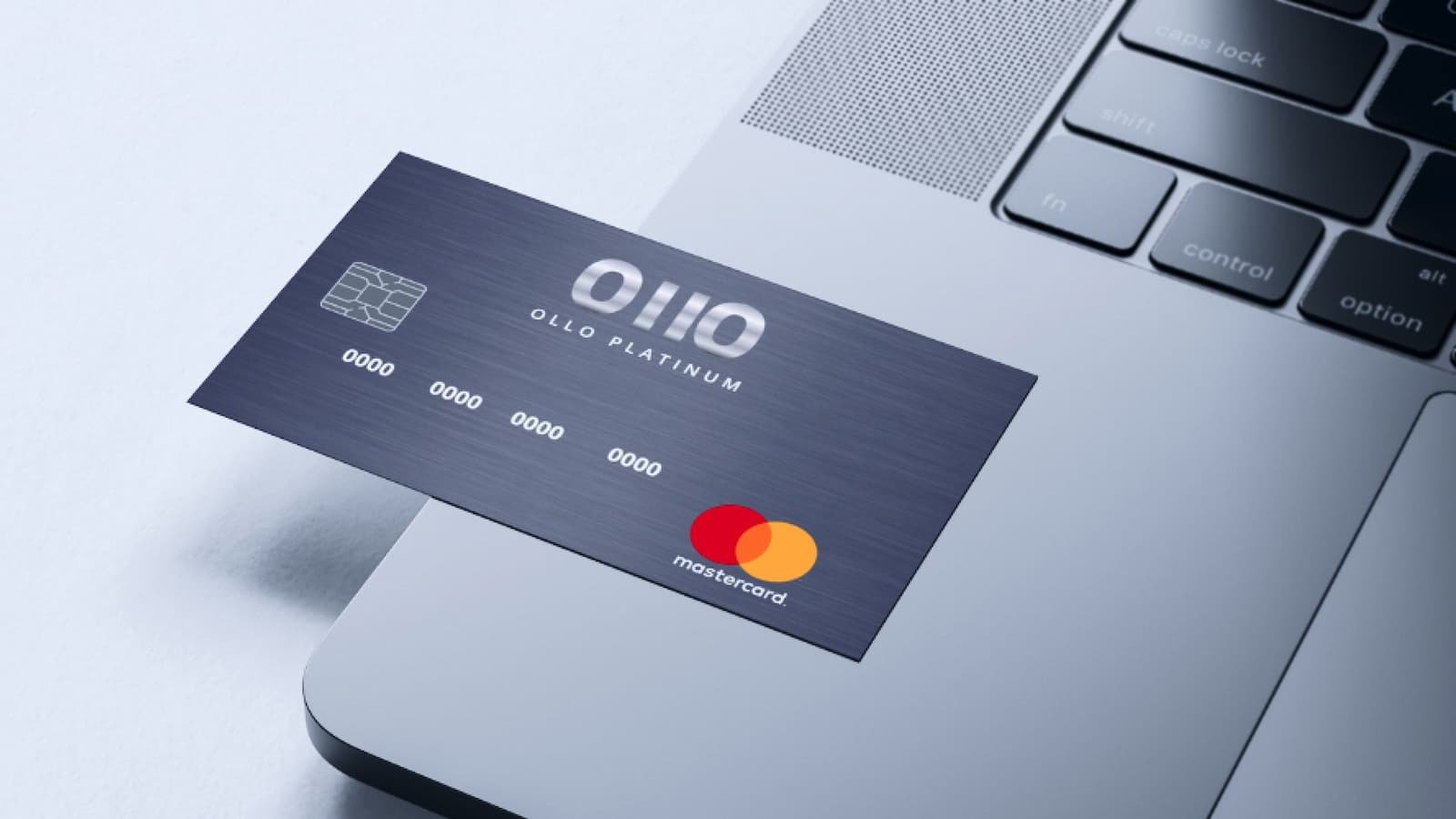
How to Activate Your Ollo Card Online: Ollo is a consumer credit card brand launched by Fair Square Financial Holdings in 2017 to serve customers who may not qualify for premium credit cards. The company promotes its cards as simple and transparent products with no surprise fees, 24/7 customer support, and credit-building tools. While some online reviews have raised concerns about customer service and account closures, Ollo says its internal surveys show high customer satisfaction, with its cards maintaining strong ratings on the company’s website.
How to Activate Your Ollo Card Online
If you just got an Ollo Card, Congratulations! The first thing you need to do is activate it. This part is simple and can be done online.
- Open the official Ollo activation page at www.ollocard.com
- Once the page opens, you will see the form asking for your personal and card details.
- You need your last name, your birth date, the last 4 digits of your Social Security Number, your card number, and the card expiry date.
- Click “Next” and complete the remaining steps shown on the screen.
How to Activate Your Priceline Visa Card Online in Simple Steps
How to Use and Manage the Card Online?
After your card is activated, you can manage it online. Ollo says customers can handle their account through the online portal or the Ollo mobile app. The company also says this makes bill payment easy and helps users manage the card more easily.
Some Ollo cards also come with useful features. Ollo’s public card pages say users can manage the account online or in the app and track their FICO® Score and credit progress. Ollo also says some cards have no annual fee and no foreign transaction fees. Since Ollo offers different card products, rewards and features can vary by card, so the exact benefits depend on the card you have.
- Sign in to your Ollo account online. If you are a new online user, the sign-in page also points people to enroll first.
- Go to the account area and look at your balance, transactions, and payment choices.
- Make a payment when needed.
| Strategy | Benefit |
|---|---|
| Use for everyday purchases | Earn reward points on daily spending |
| Pay in full each month | Avoid interest and maximize cashback |
| Pay on time | Avoid late fees that can offset rewards |
| Review reward categories | Some purchases could earn more |
| Redeem rewards wisely | Check for bonus redemption options |
Card Safety
Keeping your card safe is also very important. Ollo’s secure pages include links for the privacy policy and online security, which shows that the company puts focus on account protection. That means users should also do their part by using strong passwords, staying alert, and checking account activity often.
KeyBank Card Activation Guide for New Users
If you run into a problem, support is available. Ollo’s contact page says customers can call 1-833-845-2200 in the U.S. and that help is open 24/7. So if your card does not activate, if a payment does not go through, or if something looks strange on your account, you can contact support any time.
- Check the basic details first. Make sure the card number, personal details, and login information were entered correctly.
- Try the online account again if the first attempt fails. You can also use the mobile app or log in from the official sign-in page.
- Contact customer service if the issue stays there. Ollo’s official contact page says account help is available 24/7, which makes it easier for users to get support fast.