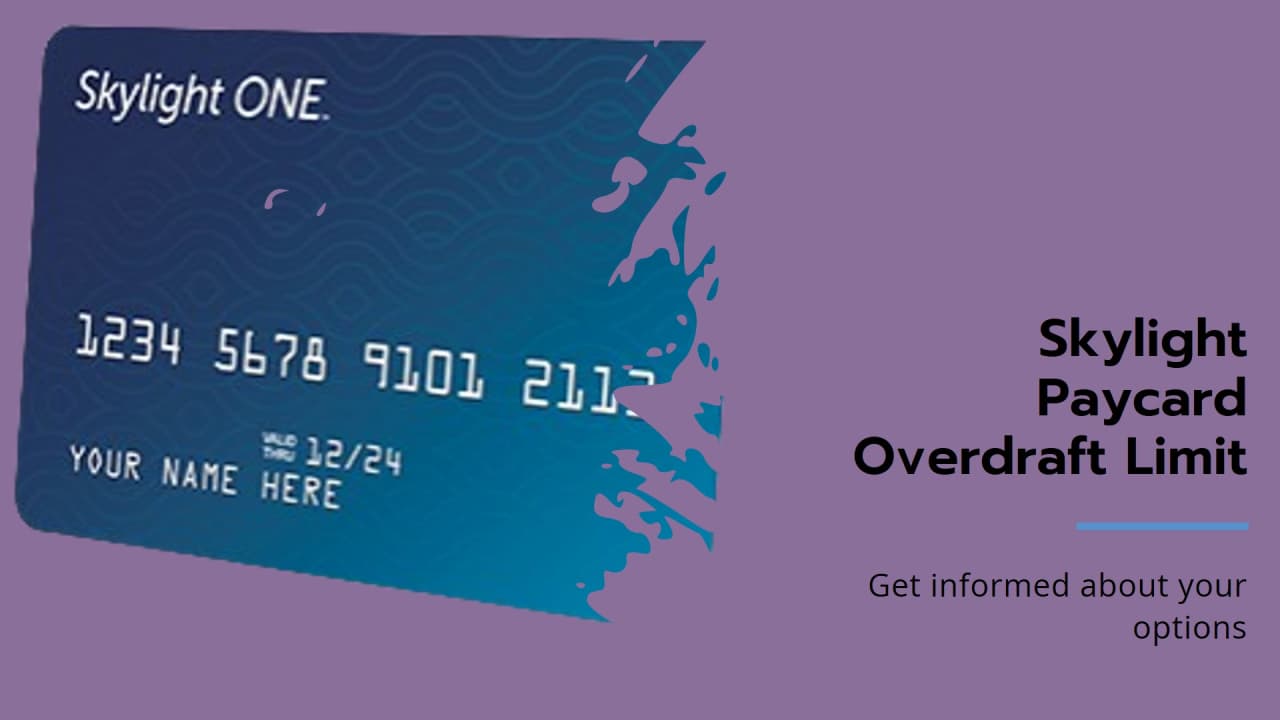
Skylight One Card Activation Online: If you have a new Skylight One Card, the first thing you need to do is activate it. The card has an official online page where this starts. On that page, you enter your card number and the security code from the back of the card. After that, the system looks for your account and moves you to the next step.
The card also needs identity verification before full use is allowed. That means you may be asked for personal details like your name, address, date of birth, and government ID number. This check is done for safety and to protect the account.
How to Activate Virgin Atlantic Card Online in Simple Steps
The process is made to be simple, but you still need to be careful while typing. If the card number or security code is entered wrong, the activation may stop. Some people may also find that the account gets only partly verified at first. In that case, the card may still work for some store purchases, but other things can stay blocked for a while. Official information says these limits can include ATM withdrawals, international use, account-to-account transfers, and extra money loads until verification is completed. So the card is not always ready for everything right away.
What after Activation?
Once the card is active and the account is verified, it can be used for many everyday money needs. The Skylight One page says users can get direct deposit, pay bills online, check balances, view recent transactions, and withdraw funds. The card is also linked to online account tools that help people manage money more easily without going to a bank branch. This makes the card useful for people who want simple access to wages and spending in one place.
The card also comes with extra features that add convenience. Netspend says Skylight One users can set up alerts by text or email, and some cardholders may also use Payback Rewards to get cash back on certain everyday purchases. There is also mobile account access through the Netspend app, where people can see balances, review transactions, transfer money, and find reload locations. So after activation, the card is not just for spending. It also becomes a tool for checking and managing money in a much easier way.
What to do if you have Trouble?
Sometimes the card does not activate on the first try, and that usually happens because of a small issue. It may be a weak internet connection. It may be a wrong card number or security code. It may also happen because the account needs more identity checks before full access is given. When that happens, the best step is to slow down, check the details again, and try once more. Many activation problems are fixed just by entering the information carefully a second time.
How to Activate First PREMIER Card Online in Easy Steps
If the problem still does not go away, help is available. The Skylight account site has a contact page for customer support, and Netspend also lists phone and email help for card users.
Customer service
Customer service can guide people through activation trouble, login issues, and account questions.If someone forgets their username or password later, the Skylight login page also has a recovery option to help them get back into the account. So even if the process feels confusing at first, there is support to help finish it.