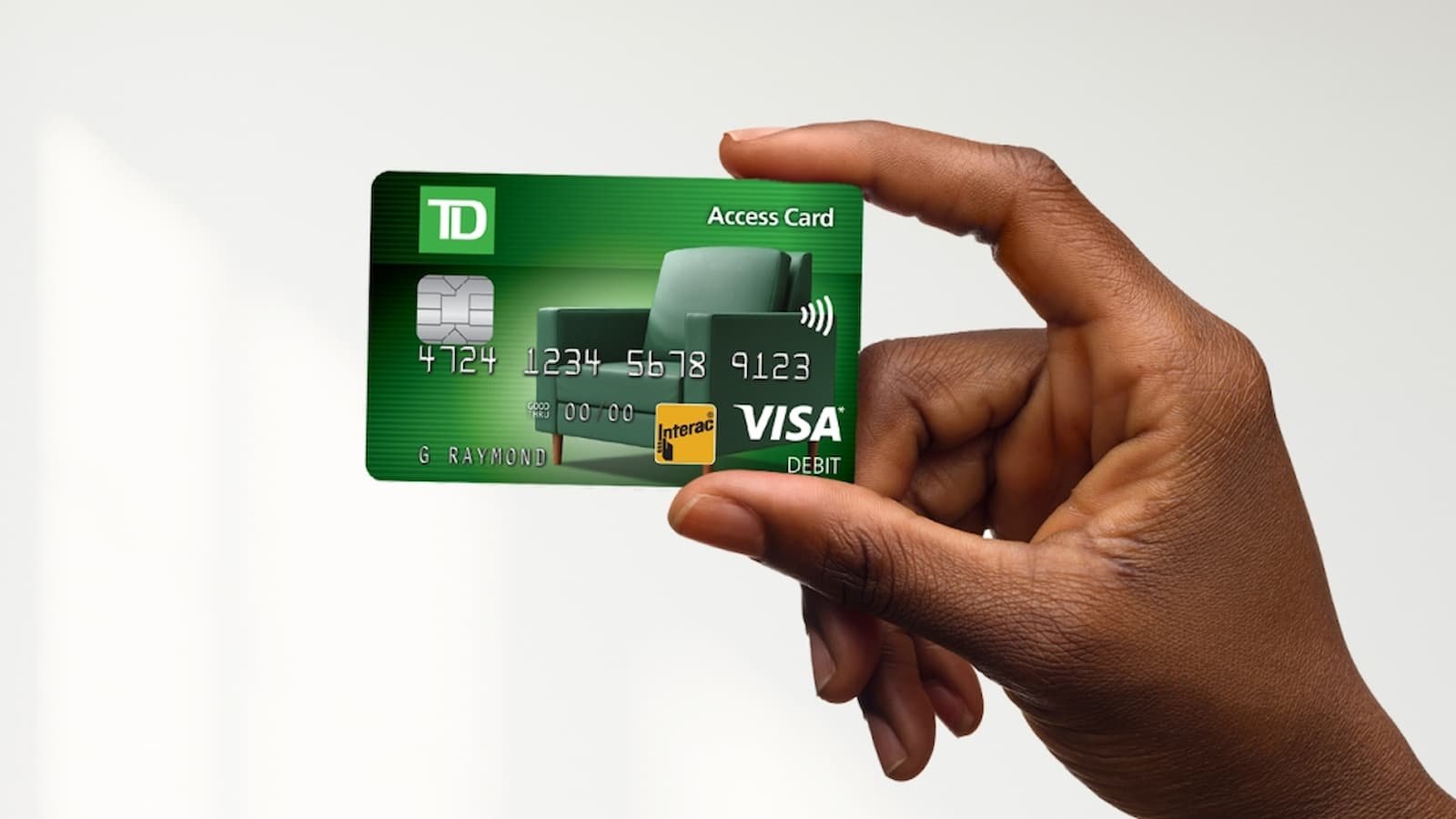
How to Activate Your TD Bank Card: If you just got a new TD Bank card, you need to activate it before using it. There are three easy ways to do this. You can activate it online, through the mobile app, or by calling on the phone. The website link tdbank.com/activate will guide you, but here are the simple steps using official methods.
How to Activate Your TD Bank Card?
1. Activate Online (Recommended)
The easiest way is through online banking.
- First, go to the official TD Bank website.
- Log in to your personal online banking account using your username and password.
- After you sign in, look for a section that says “Manage your card” or “Card Services.”
- Inside that section, you will find an option that says “Activate a new card or order a replacement card.”
- Click on it and follow the instructions shown on your screen.
- Once you complete the steps, your card will be ready to use.
How to Activate Your Jackson Hewitt Serve Card Online
2. Activate via the TD Bank Mobile App
You can also use your smartphone to activate the card.
- First, open the TD Bank mobile app.
- If you do not have it, download it from your app store.
- Sign in using your same online banking details.
- After logging in, go to the area where you manage your card.
- It may be called “Card Manager” or something similar.
- In that section, you will see an option that says “Activate your new card.”
- Tap on it and follow the simple instructions shown on your phone.
How to Activate Your ASIFlex Card Quickly and Easily
3. Activate by Phone
If you prefer talking to someone, you can activate your card by calling. Keep your new card with you and also your Social Security number because you may need to confirm your identity.
- For TD Bank Credit Cards, call 1 (888) 561-8861
- For TD Bank Debit or ATM Cards or general banking help, call 1-888-751-9000.
You can also call the phone number printed on the sticker attached to the front of your new card. That number will connect you directly to the activation line.
After finishing any one of these methods, your TD Bank card will be active and ready for use.
How to Activate Your Ollo Card Online: Usage, Card Safety and Payments
Troubleshooting Common TD Bank Card Activation Issues
If your TD Bank card activation fails, simple mistakes such as entering incorrect card details or activating too early could be the cause. Follow these troubleshooting steps before contacting support.
- Double-check your card details, including the card number, expiry date, and CVV.
- Refresh your browser or clear cookies if the activation page is not working properly.
- Speak clearly during phone activation if the automated system cannot understand your responses.
- Wait a few hours and try again if you recently received the card.
- Ensure the card is active and not blocked due to a reported loss or theft.
- Use only the official TD Bank website for online activation.
- Contact TD Bank customer support if the issue continues after multiple attempts.
What to Do After Activating Your TD Bank Card
Once your card is activated, take a few additional steps to improve security and get the most out of your account.
- Sign the back of your card immediately.
- Set up account alerts for transactions, withdrawals, and suspicious activity.
- Download the TD Bank mobile app to manage your account on the go.
- Add your card to mobile wallets such as Apple Pay or Google Pay.
- Review your card benefits, including rewards, cashback, travel perks, and purchase protection.
- Read the card’s terms and conditions to understand fees and benefits.
Conclusion
Activating a TD Bank card is a quick process that gives you access to purchases, ATM withdrawals, and other banking services. By following the correct activation steps and taking basic security measures afterward, you can use your card safely and confidently. If you encounter any issues, TD Bank customer support can help resolve them.