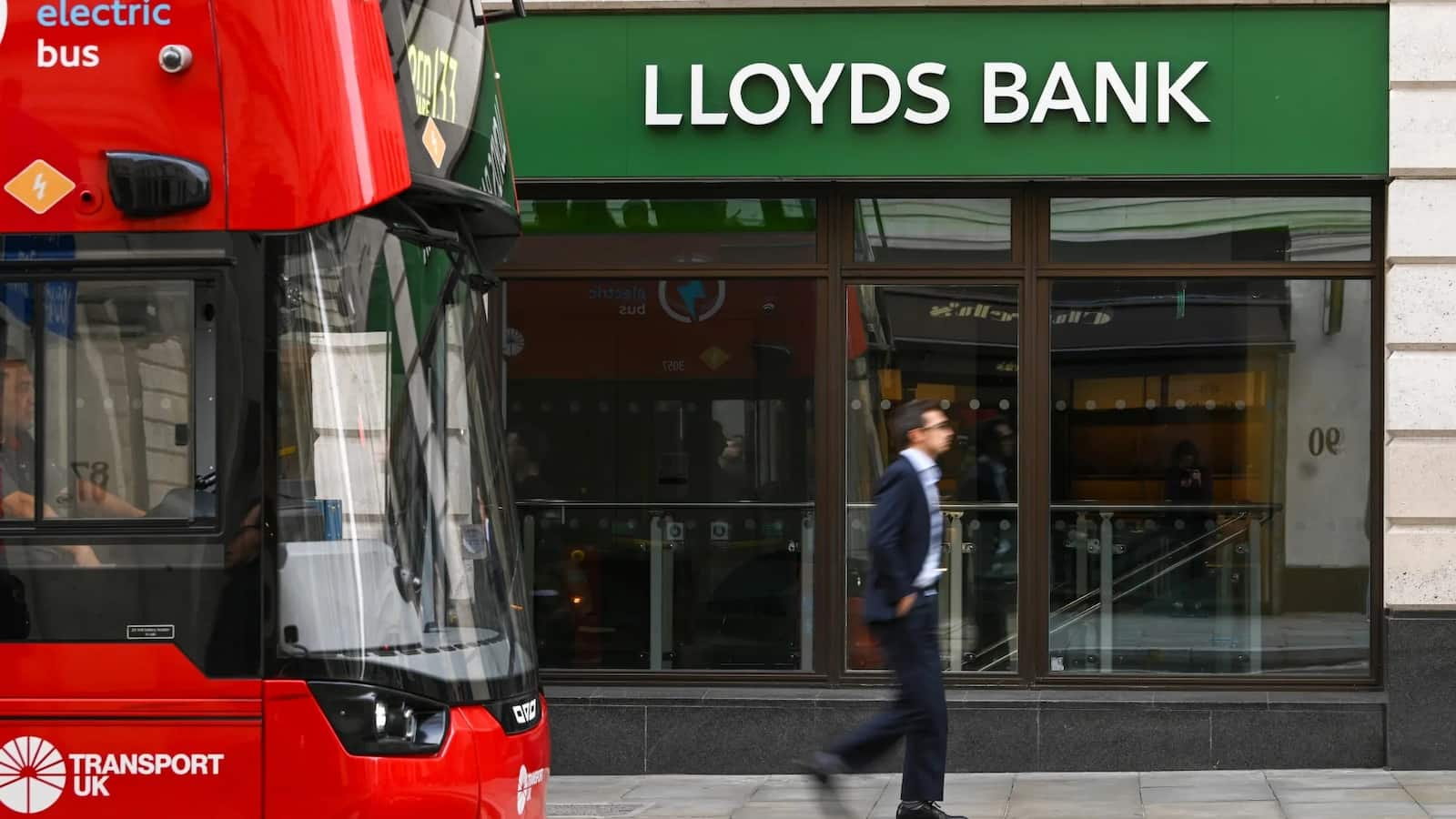
Lloyds Bank App Glitch: Many customers of Lloyds Bank faced a serious problem on the morning of March 12, 2026. Around 11:10 AM GMT users started reporting issues with the bank’s mobile app and online banking services. The same issue also affected customers of Halifax and Bank of Scotland because these banks are part of the same group.
People first thought it was a simple login issue. But later many users realised the problem was bigger. Instead of seeing their own banking information, some customers said they could see details linked to other accounts. This created worry among users who feared that their personal information might also be visible to others.
How to Activate Your JetBlue Mastercard Online? Simple Guide
The bank confirmed that something had gone wrong and said it was checking the situation. In a message shared online the bank said it was “investigating a technical glitch.”
What Exactly is Happening
Customers who opened their banking app said they were seeing transactions and payment details that did not belong to them. In some cases users reported seeing references related to payments from the Department for Work and Pensions.
These payment records sometimes included National Insurance numbers that belong to other individuals. Because of this many people described the issue as a serious privacy problem.
The error appears to be a display issue inside the system. It does not mean customers’ money has been moved. But seeing another person’s account activity has made many people uncomfortable and confused.
What Customers should do?
Bank officials have suggested a few simple steps for customers until the issue is fully fixed.
- Do Not Transact: Customers should avoid making any transactions if they see information that does not belong to them. Trying to move money or change account details could create more confusion while the system is experiencing problems.
- Log Out and In: Users can try logging out of the app and then signing in again. According to the bank this may solve the display issue for some people. However it may not work for everyone.
- Use Desktop Browser: If the mobile app continues to show wrong details customers can try accessing their accounts through the official website using a desktop browser at lloydsbank.com.
- Check Social Media: The bank also advised customers to check updates on its official social media page. The account @LloydsBank on X is expected to share the latest information once the issue is resolved.
How to Activate Your US Bank ReliaCard Online Step by Step
Bank Says Accounts are still Safe
Despite the strange problem, Lloyds has told customers that their accounts are still protected. According to the bank the issue is related to how information is being shown in the app and does not mean that accounts have been hacked.
Still, some customers remain worried because of the possibility that other people could see their details. Anyone who feels concerned can contact the bank’s fraud team or digital help support service. However the bank has warned that waiting times may be very long today because many customers are trying to get help at the same time.
| Channel | Contact Number |
| Digital Helpdesk | 0345 600 2323 |
| From Abroad | +44 113 239 2392 |