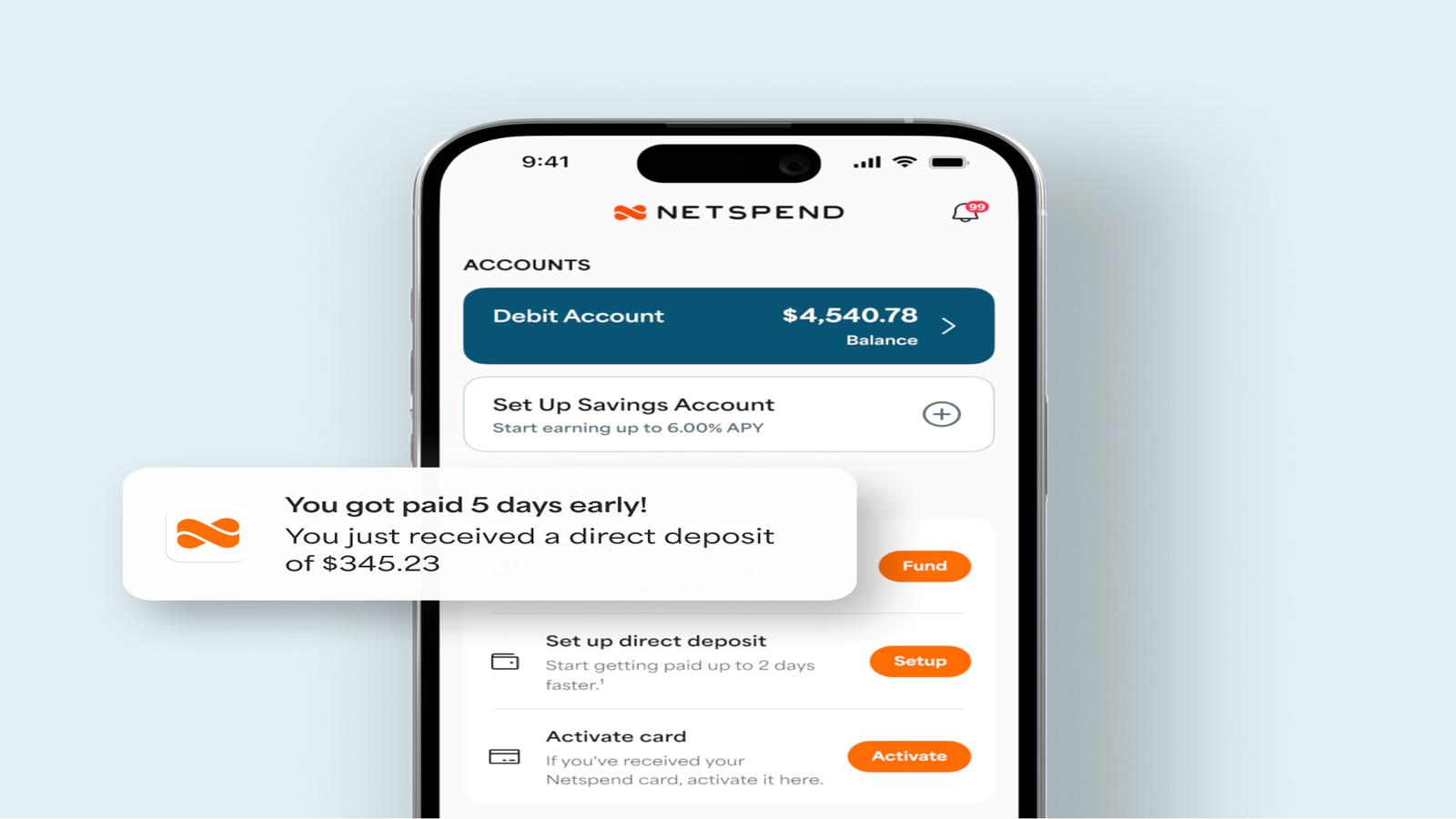
NetSpend Visa Card Activation Online: You need to complete the online activation process for your NetSpend Visa Card before you can start using it to make payments and withdraw cash from ATMs and shop online.
What Is NetSpend Visa Card Activation?
You must complete card activation before you can start using your card. The card requires activation to become usable for financial transactions.
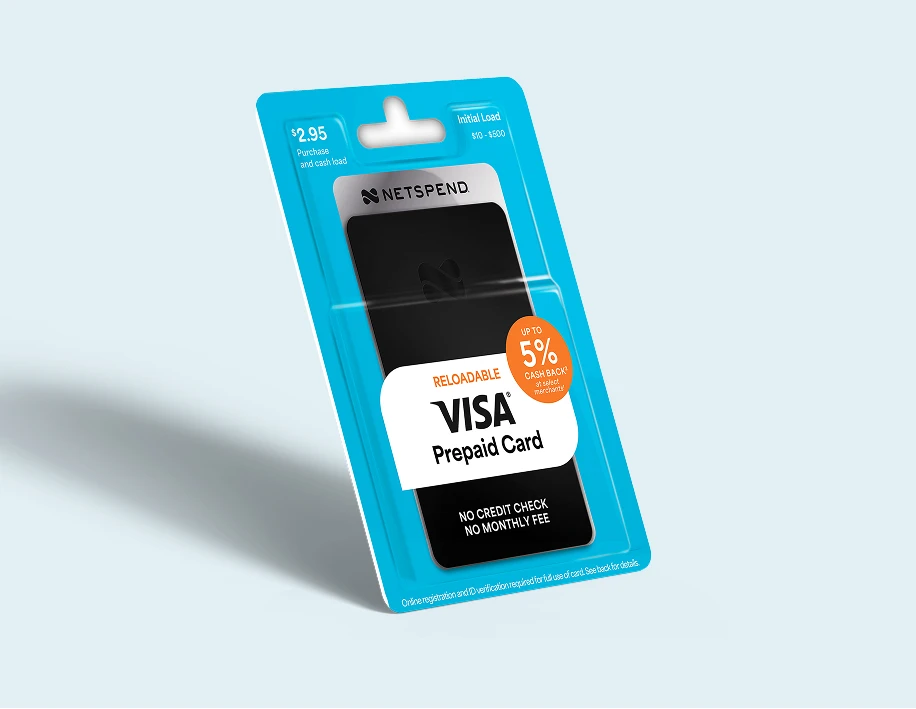
NetSpend requires users to activate the card and complete identity verification to comply with financial regulations and security standards. The process establishes account security which enables you to use your account.
Things You Need Before Activating Your Card
To prevent activation delays please have these details prepared:
- Your NetSpend Visa Card (with 16-digit card number)
- The security code which appears on the back of the card (CVV)
- Your personal information which includes your full name and home address and date of birth
- Government-issued identification which some people need to complete the verification process
NetSpend needs users to provide identity verification information because of regulatory requirements which must be fulfilled before they can access the complete card capabilities.
NetSpend Visa Card Activation Online: Step-by-Step
Step 1: Visit the Official Activation Page
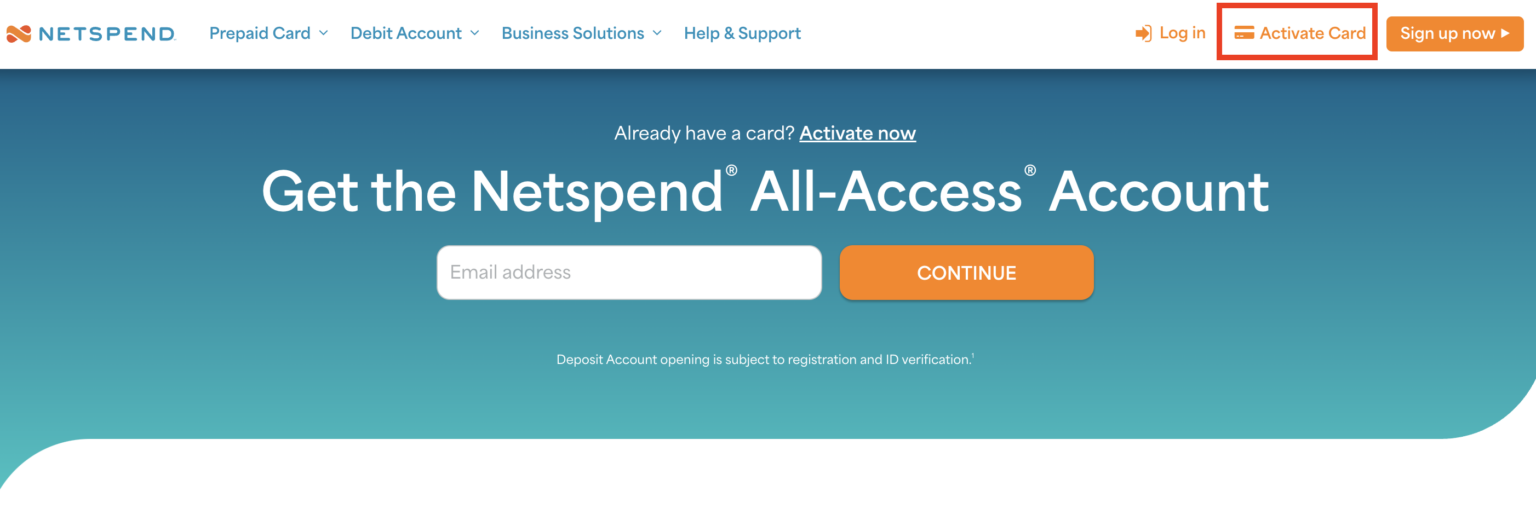
Go to the official NetSpend activation portal: Activate NetSpend Card
This method serves as the single secure method which allows you to complete your online card activation process.
Step 2: Enter Your Card Details

The activation page requires users to enter their information by:
- Input your 16-digit card number
- Enter the 3-digit security code (CVV) from the back of the card
Step 3: Provide Personal Information
You will be asked to enter:
- Full name
- Residential address
- Date of birth
- Identification details
Step 4: Complete Identity Verification
Some situations require extra authentication through two methods:
- Uploading ID proof
- Answering security questions
Your account will become operational after you complete the verification process.
Step 5: Confirmation of Activation
After submitting all details, a confirmation message will display on your screen. Your NetSpend Visa Card is now activated and ready to use.
Most activations finish within a moment because people submit their correct information.
Alternative Ways to Activate NetSpend Card
If online activation doesn’t work, you can:
- Call the activation number printed on your card (1-866-387-7363)
- Follow the automated instructions
- Provide card and identity details over the phone
How to Add Funds to the Netspend Login Card?
Adding money to your Netspend login card requires simple steps that you must follow to complete the process.
You can add funds through the NetSpend Reload Network location in addition to the available deposit methods.
Some locations will impose charges while other locations will provide services without fees.
You can find a reload location by accessing the location finder tool on the www.netspend.com/activate page.
The system allows you to find locations by entering either a city name, state name, or zip code.
Zip code search will not show any reload locations so you need to enter a nearby city or zip code.
The system will display all location fees after it finishes loading the results.
How to Activate SOLE Paycard Card Online in Simple Steps
Essential Guidelines for First-Time Users
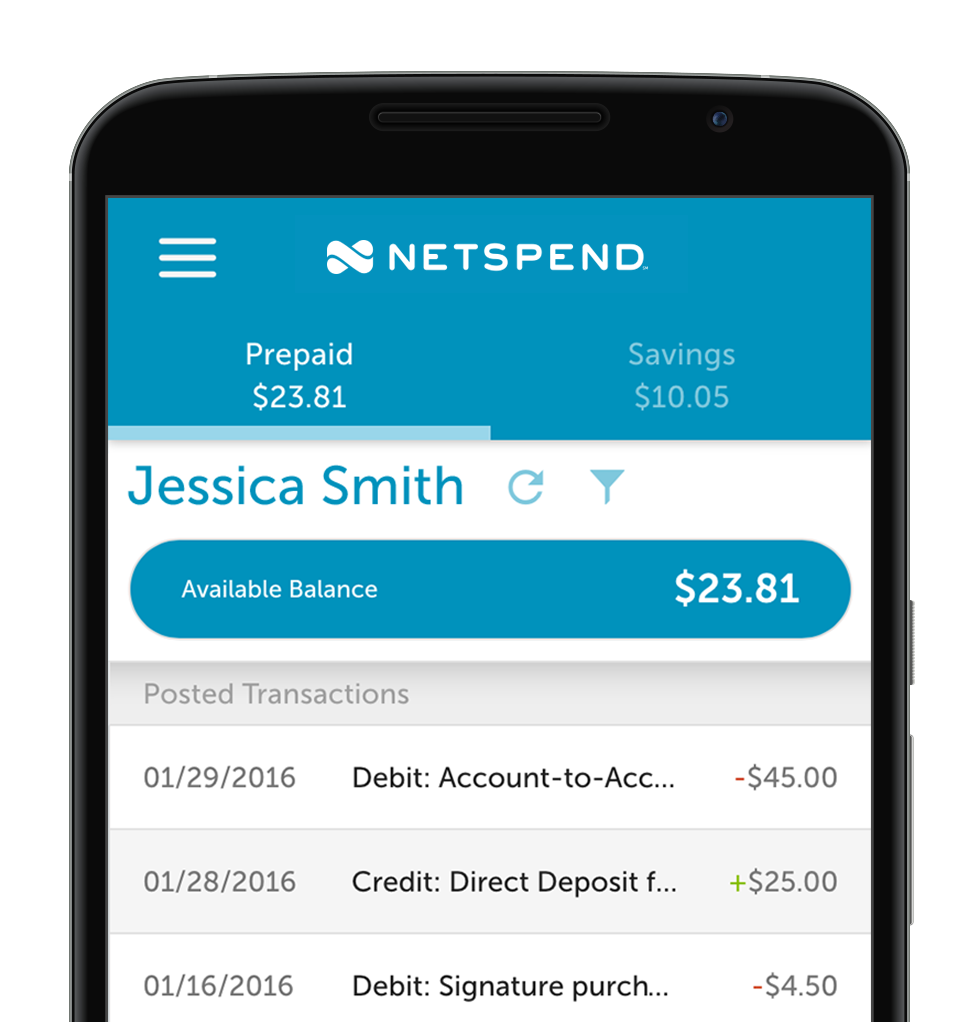
The official NetSpend website should be used to activate your card.
- Your ID must match the personal information you provide.
- You need to keep your card information confidential.
- Your card must connect to the correct billing address which you need for online shopping.
The activation process allows your card to function for online purchases which require matching billing information to complete the transaction.
What Happens After Activation?
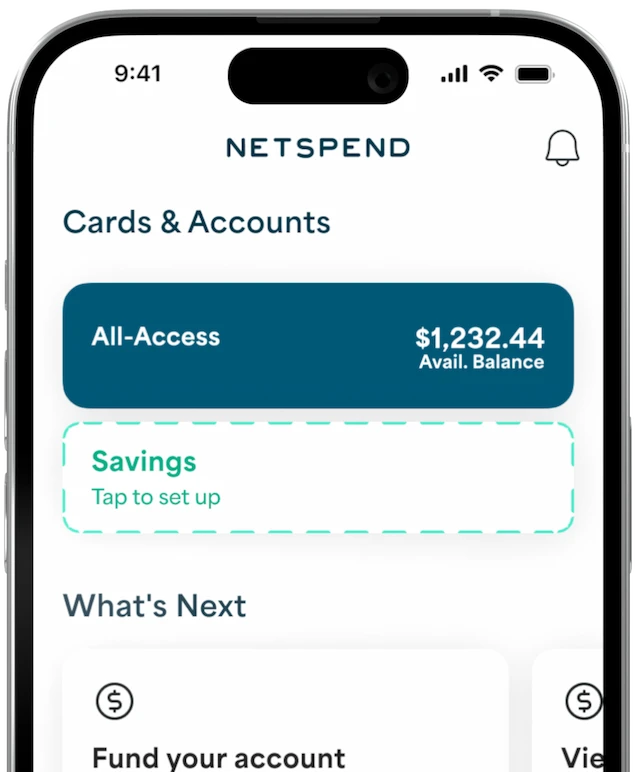
Your card becomes usable right after you activate it.
- The system lets you add funds to your account.
- You can manage your account through online account management tools.
- Your funds remain safe because they are protected by FDIC-insured partner banks which provide coverage for your funds.
Troubleshooting Common Activation Issues
Every user experiences minor issues despite their efforts to prepare effectively. The following list includes common issues together with their corresponding solutions.
“Card already activated” error: This situation occurs when someone else has activated the card or you tried to activate it before. Your account requires login for access instead of activation process.
Identity verification failed: Ensure all entered details match your official documents exactly. Even a typo in your address can cause rejection.
Website not loading: Clear your browser cache or try a different browser like Chrome or Firefox. Mobile users must establish a reliable internet connection.
CVV not accepted: Please verify that you are entering the three digits located on the back of the card instead of the four-digit security code that appears above your name.
The online NetSpend Visa Card activation process requires users to complete a basic yet necessary task which enables them to access all card services including protection against fraud and control over their finances. The official activation process enables users to finish their activation work within a few minutes while proceeding without any difficulties through their entry of correct information.