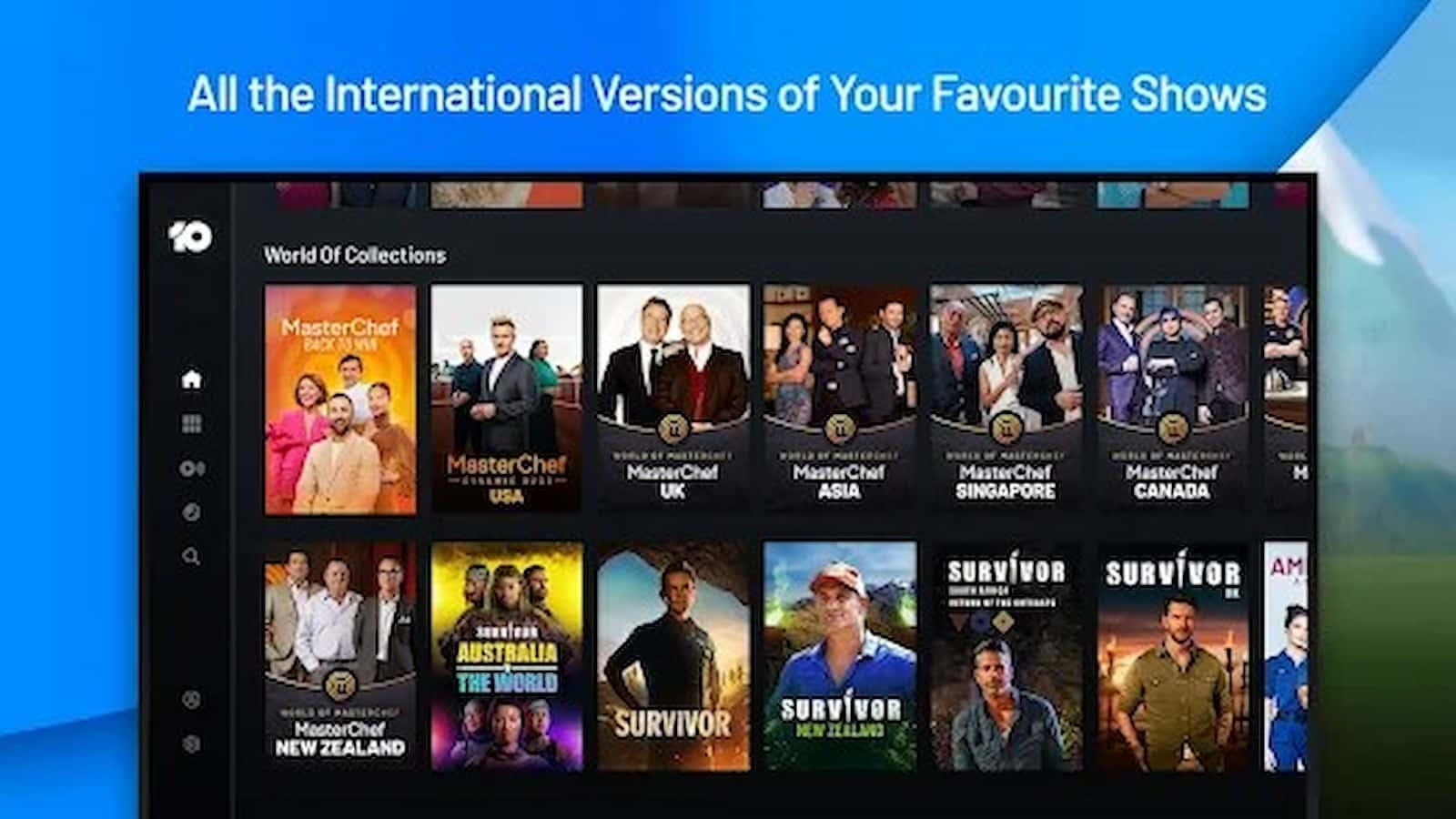
10 Play App Issues: 10 Play, also called Network Ten, is a streaming app where people can watch TV shows, sports, and movies. The nice thing about this service is that you do not need to pay for a premium plan to watch. A normal free account is enough to enjoy the content.
Many people with Smart TVs have started adding 10 Play to their TVs. Before you can watch anything on a Smart TV, you must activate the app using a special code. This activation code is very important. Without it, the app will not work on your TV. Some users say that even after they activate it, the app still has problems. It may freeze or not load or not play videos properly.
How to Activate Fortnite Using Epic Games Website: Code Guide
10 Play works on many devices. You can use it on Android and iPhone, Xbox consoles, Samsung TV, Foxtel, Telstra TV, Apple TV, Android TV, Windows computers, and Mac computers. But there is bad news for LG TV owners. Currently, 10 Play does not support LG Smart TVs. That means the app will not work on LG TVs at all.
Simple Fixes you can try
Restart
If the app is not working, the first easy step is to close it and open it again. Sometimes apps stop working because of small software issues. Make sure you fully close the app on your Smart TV so it is not running in the background. Then open it again and check if it works.
Service access only from Australia
Another thing to remember is that 10 Play is only made for people in Australia. If you try to watch from another country, it will not work. Some people use a VPN and change their location to Australia. But this does not always work because the service tries hard to block users outside Australia.
Correct Activation Code
You should also check your activation code. When you set up the app on your TV, you must enter the correct code. If even one letter or number is wrong, the app may not work. Take your time and make sure the code is entered correctly.
How To Activate Apple AirTag? You can do it in a few easy Steps
Currect Login Credentials
Your login details are also important. You need the right email and password for your 10 Play account. If you type the wrong details, you will not be able to stream anything. Double check that you are signed in to the correct account.
Other Technical Problems
Internet Speed
If the internet speed is too low videos will buffer or not play at all. Streaming needs a steady and fast connection. You can try turning your WiFi router off and then on again. That small step fixes many issues. If your internet is slow all the time, it might be time to upgrade your plan.
App Cache
Another simple thing you can do is clear the app cache on your Smart TV. Apps save small temporary files and sometimes those files cause glitches. When you clear the cache you remove that extra data.
If nothing works, you may need to reach out to customer support for help.