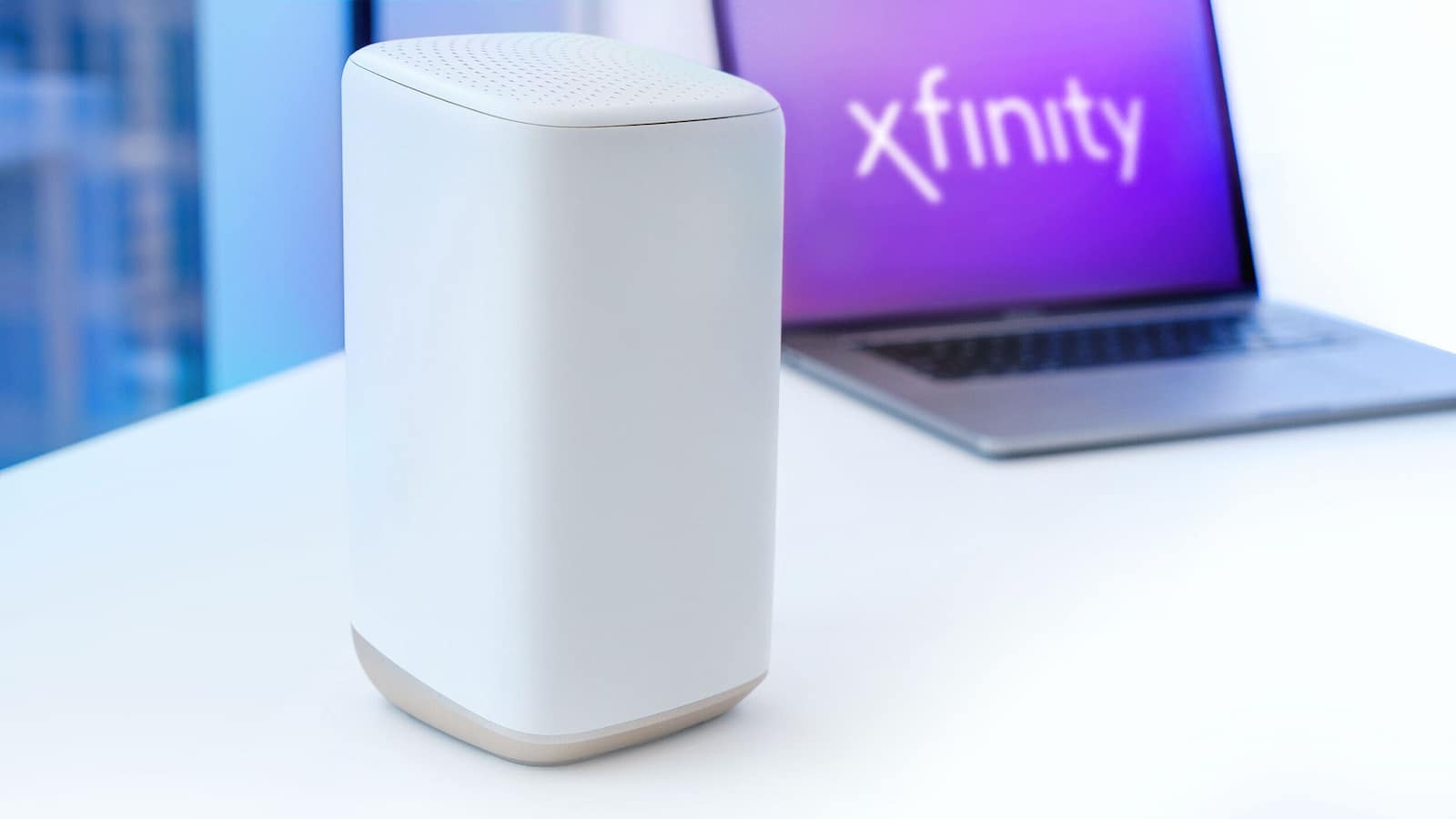
Xfinity Modem Activation Online: Setting up an Xfinity modem sounds like a big job, but it is really not that hard. You just need to do one thing at a time. Before you try to activate anything, make sure the modem or gateway is turned on and sitting properly.
Now look at the lights on the device. If the light is solid, that usually means the modem is ready. If the light keeps blinking, it may still be starting up, or there may be some problem. Some modems have many lights, and each light shows a different job. Some have only one main light, and that one shows the overall status. If you are using a modem from another company and not an Xfinity one, then it is better to follow that modem’s own guide too.
How to Activate Elan Credit Card Online at MyAccountAccess
Connect Your Device Before Activation
Once the modem looks ready, the next thing is to connect your phone, laptop, or computer to it. This is just a simple starting connection so you can move to the setup step. You can do this with WiFi or by using a cable.
- Open the WiFi settings on your phone or laptop.
- Find the network name written on the modem sticker.
- Look for the password printed on the same sticker.
- Enter that password and connect to the network.
- If your device asks for a security key, use the same password.
- If you want a wired connection, plug an Ethernet cable from the modem into your computer.
How to Activate the Xfinity Modem Online
After that comes the main setup part.
- Open a web browser and go to xfinity.com/activate.
- Sign in with your Xfinity ID and password.
- You may also use your mobile number if that option appears.
- During setup, you may get a One-Time Password for verification.
- Enter the code and continue the process.
You can Use the Xfinity App
If you do not want to use the website, the Xfinity app is another way, and Xfinity now pushes it as the easiest one. You just download the app on your phone and open it. The app can guide you through the setup and help you manage your home network after activation too.
Your app may ask you to scan the QR code on the modem or type in the modem number. It also has tools to help with common setup problems, so it can be useful if the browser method feels confusing. So use it for guidance.
Change WiFi Name and Password after Setup
After the modem is active, you can also change your WiFi name and password. This helps make your home network feel more personal and also keeps it safer. Xfinity says the quickest way to do this is through the Xfinity app, where you can open WiFi details and edit the network name and password.
How to Activate Your JetBlue Mastercard Online? Simple Guide
Sharing WiFi and Fixing Problems
You can share the password, or if your setup allows it, you can use separate settings for guest access. That keeps your main home network more private.
If the modem is not activating, check:
- Make sure that the device is powered on.
- The wires are connected properly.
- Your phone or computer is connected to the modem.
If the app is acting strange, you can try removing it and installing it again. Restarting the modem can also help, tho that will disconnect devices for a bit.