
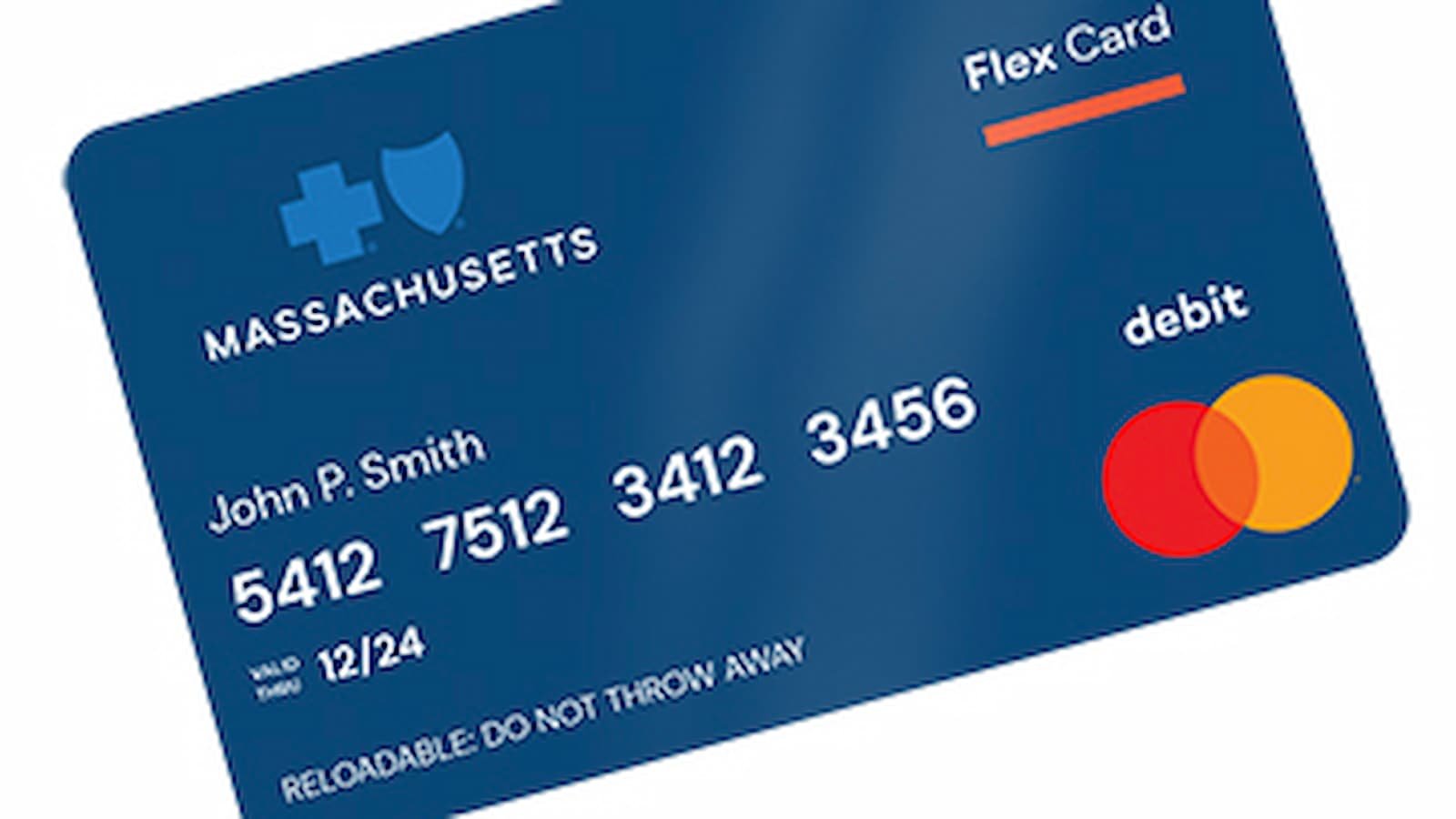
Blue Cross Blue Shield of Massachusetts Insurance Card Activation: If you want to get your Blue Cross Blue Shield of Massachusetts insurance card ready to use, the safest place to start is the official Blue Cross Massachusetts member site. Blue Cross Massachusetts says members should use the MyBlue online account to see plan details, claims, and member ID card information. The site also says you can use the MyBlue app to access your member ID cards on your phone.
The simple way to do this is to go to the Blue Cross Massachusetts homepage and sign in to MyBlue. If you do not already have an account, you can create one first. Blue Cross Massachusetts says you need your member ID card to make a MyBlue account, and you will be asked for details like your name, email address, birth date, Blue Cross member ID number, and a way to verify your identity.
How to Activate Your Bi Pet Rebates Card Online in Minutes
How to Sign in?
Here are the easy steps.
- Open the official Blue Cross Massachusetts website and go to the MyBlue sign-in page.
- Log in using your account details.
- After signing in, go to the member ID card section.
Blue Cross Massachusetts says MyBlue gives members access to their ID cards and other plan details in one place. If your plan is active, your card information should appear there.
If you are new and do not have an account yet, use the sign-up option on the site. In many guides this may be shown as ‘Register Now’. Blue Cross Massachusetts says account creation uses your member ID card and then asks you to verify your identity with the last four digits of your Social Security Number, your student ID if you are on a student plan, your Medicare number if you are a Medicare member, or security questions.
If signing in becomes a problem, do not get worried. Blue Cross Massachusetts says you can use the help link on the sign-in screen. In many places this appears as ‘Need Help Signing In?’ or a similar recovery option. From there, members can retrieve their email, reset a password, or recover the account.
What to do if something is not working?
If the site is not loading well, try simple fixes first. Refresh the page. Clear your browser cache and cookies. You can also try another browser or use the MyBlue mobile app instead. This kind of step is useful when a page is slow or not responding properly. Blue Cross Massachusetts also confirms that the MyBlue app can be used to access your member ID card and account information.
It is also important to make sure the details you type match your records. Your member ID number is a 9-digit number on your Blue Cross member ID card, and Blue Cross Massachusetts says that when entering it into MyBlue, you should use only the numbers and not the letters before the number. Small mistakes here can stop the process from working right.
How to Activate Your Ollo Card Online in a Few Easy Steps
Customer Support
If you still cannot get in, go to the support section. On the Blue Cross Massachusetts site, the page for help appears as ‘Contact Us’. The official member support page says Team Blue Member Service can be reached at 1-800-262-2583, with TTY 711 for hearing-impaired customers. The company also says members can call the number printed on their ID card for plan and benefit questions.



[…] How to Activate Your Blue Cross Blue Shield of Massachusetts Insurance Card Online […]
Comments are closed.