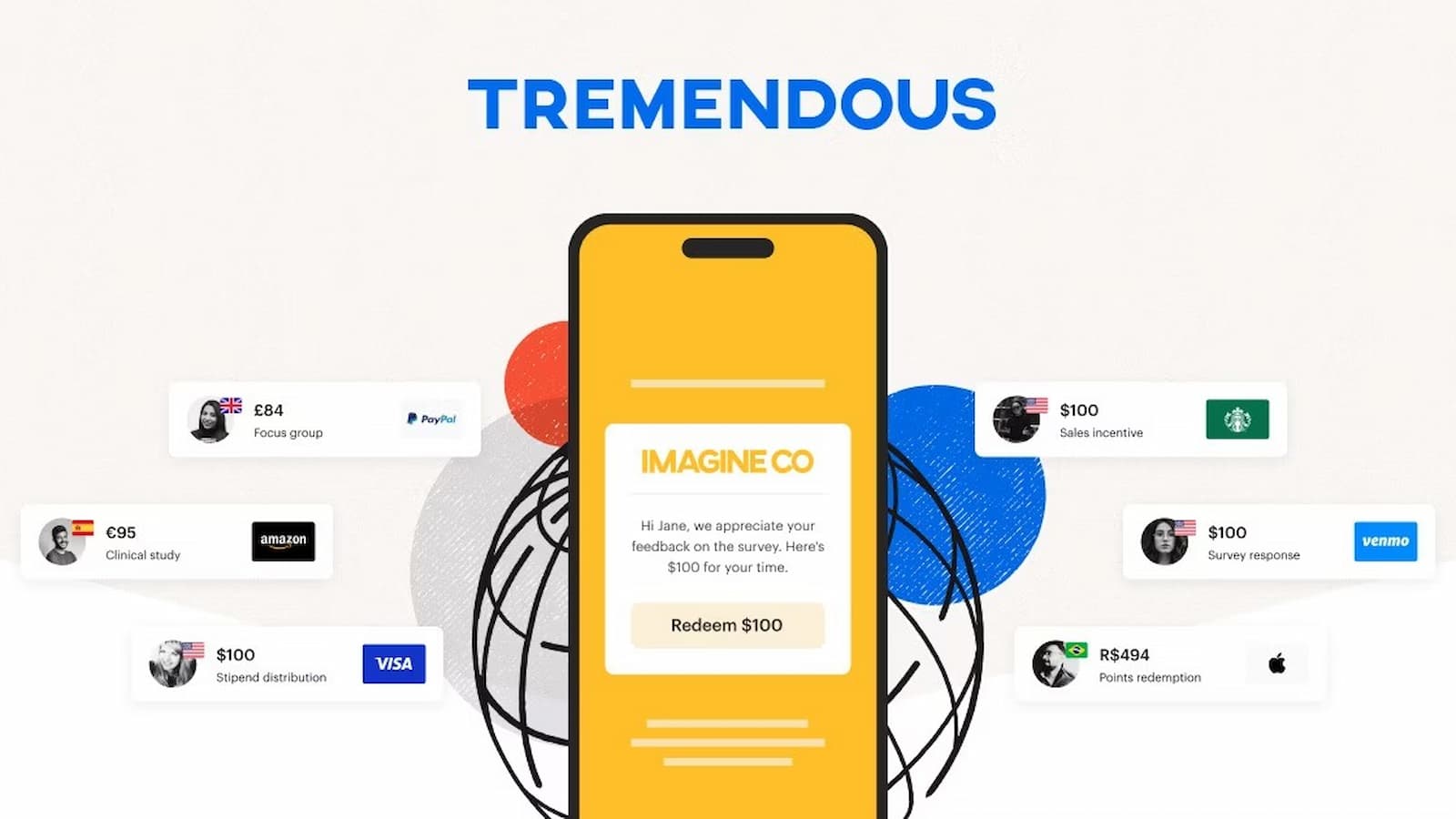
Tremendous Card Activation: Tremendous is a company that sends prepaid reward cards to people. Many companies use it to give rewards, refunds, or prizes. If you received a Tremendous prepaid card, you may need to activate it before using it. This is the official website where you can activate or manage your card.
Kiro Unexpected Error Explained: Why ‘An Unexpected Error Occurred’ Appears How to Solve It
1. If you have a Physical Card (Plastic)
If you got a plastic card in the mail, you must activate it before you can spend the money in stores.
- Go to the activation site: Open your browser and visit card.tremendous.com. In most cases, it may redirect you to reward.tremendous.com/prepaid-cards. This is normal.
- Enter your Card Details: Turn your card over and find the 20-digit barcode number on the back. Do not use the 16-digit number on the front. Carefully type the 20-digit number into the box on the website.
- Set a PIN: The website will ask you to create a 4-digit PIN.
- Done: After you finish these steps then your card becomes active.
2. If you have a Virtual Card (Email/Link)
If you receive your card by email then it is ready to use right away.
- How to use: You will see the 16-digit card number, expiration date, and CVV on your reward page. Use these details when making a payment.
- Online: At checkout, choose “Credit” and then enter the card number, expiration date, and CVV just like a normal credit card.
- In-Store: To use it in physical shop you have to add the card to Apple Pay or Google Wallet. Then you can use Tap to Pay at the register.
How to Activate a Pembroke Pines Membership: Here are the Simple Steps
Common Issues & Fixes
- “Card Declined” at Checkout: If your payment does not go through, make sure you select “Credit” on the card machine. Even though it is prepaid, choosing “Debit” can cause it to fail.
- Check Balance: Always check that your purchase amount is equal to or less than your card balance. In stores, you can sometimes split the payment, like paying part cash and part card. Online, split payments usually do not work.
- Cannot Find the 20-Digit Code: If you are using a physical card and cannot see the number, look at the bottom left on the back of the card. That is where the 20-digit barcode number is often printed.
- Registering a Virtual Card: You can also visit card.tremendous.com to register your card. This does not activate it, because it is already active. It simply saves your card information in the system so you can check your balance later without searching for the original email.