Virtual Reward Center Card Activation: Many people now like virtual rewards more than old-style rewards, and the number is big. They are simple to get, easy to use online, and can be helpful for shopping if you understand how they work. But many users still get confused about activation, support, usage limits, and what to do when something goes wrong. The good thing is that the system is not too hard once you know the basics.
This card does not work like a normal credit card. It works more like a prepaid or debit-style card because the money is already loaded on it. That means you are not borrowing money and paying it back later. You are spending the amount that is already there on the card. This is one reason many users see the word “Debit” on the card and get confused. But the label is there because non-credit products are required to be marked that way. It does not mean the card is linked to your bank account in the usual sense.
How to Activate My Health Pays Reward Card Online Step by Step
How To Activate The Card?
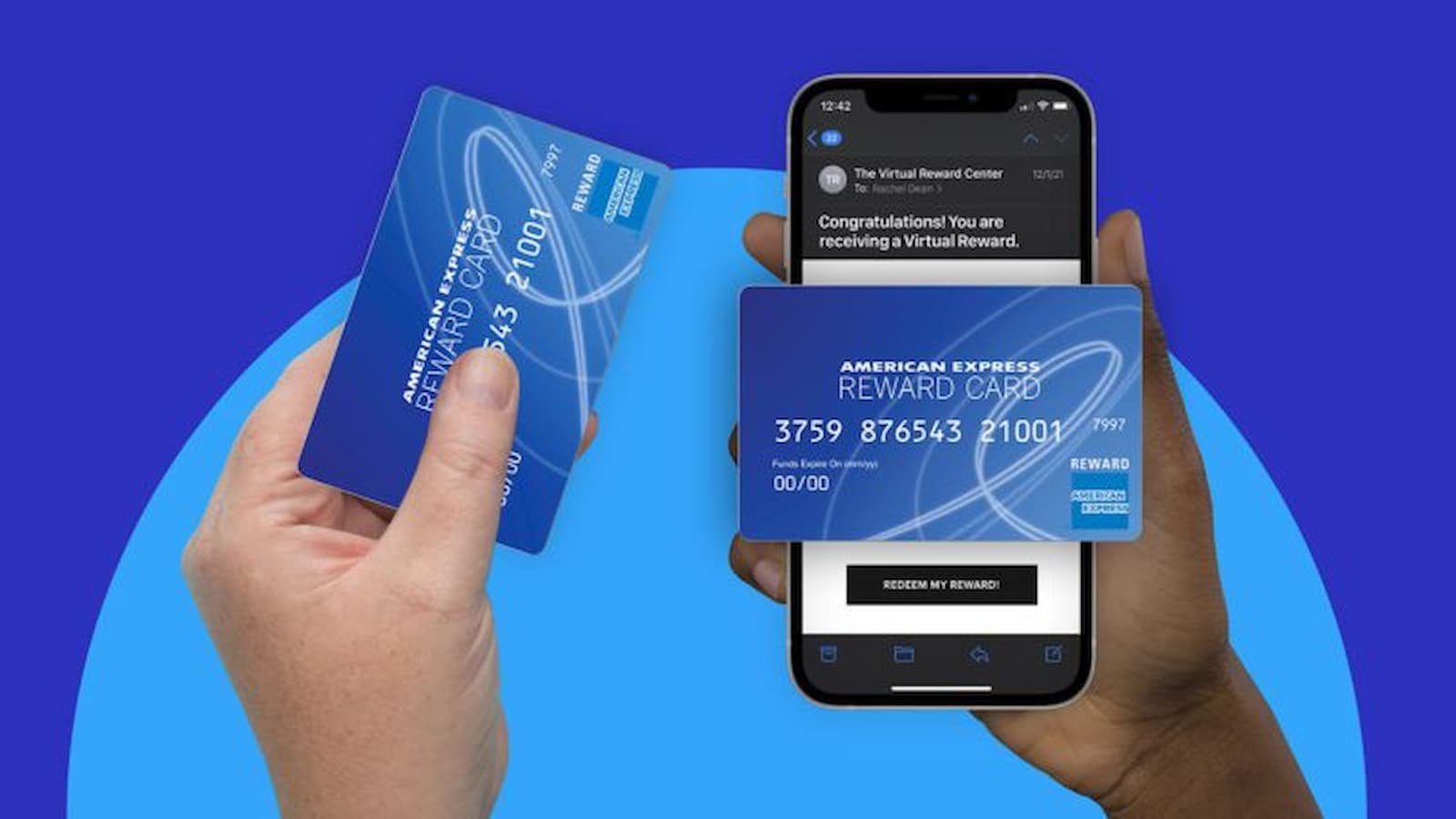
The way you activate the card depends on whether the card is virtual or physical. The Virtual Reward Center FAQ says that if you received a virtual card, you usually activate it by using the link sent in your email or reward message, and then you create an account at the cardholder site to see and use the card details. The official activation page also shows fields for card number, valid thru date and CVV, which are used for activation. The terms page says virtual cards are active upon receipt, while physical cards must be activated before use.
Problem during Activation?
If there is any problem during activation, there are a few simple things that can help. Refreshing the page, clearing browser cache, and entering the details again can solve many small issues. If the trouble still stays, the company says users can contact support. The terms page lists a support number for help with card problems.
- Open the activation link or go to the official Virtual Reward Center activation page.
- Enter the card details like card number, valid thru date, and CVV if asked.
- Create or sign in to your account so you can view the card.
- Follow the prompts on the screen and finish the setup.
- If something does not work, try again or contact customer support.
Where the Card Works and Where Does Not?
The card can be used in many places where Visa or Mastercard prepaid cards are accepted, depending on the brand shown on the card. The FAQ says it can work online, in apps, and in stores, but some limits do apply. This is the part many users should read carefully. The card generally cannot be used for money transfers, bill payments, purchases that act like cash, gambling, some subscription or recurring payments, and things like crypto buying or prepaid card funding.
How to Activate Your Wisely Card Online in a Few Easy Steps
Some merchant types can also cause trouble even if the card is accepted in general. The FAQ says rental services, hotels, and pay-at-the-pump fuel stations may place bigger pre-authorization holds. This can lower your available balance for a while and may even cause a payment to fail.
The card also cannot usually be turned into cash. The official FAQ says it cannot be exchanged for cash value, and it cannot be used to withdraw money at ATMs or get cashback at the shop, unless your card papers clearly say otherwise.
If you live outside the US, card use can still work, but users should pay attention to the card rules. The text you shared talks about non-US registration and international use.