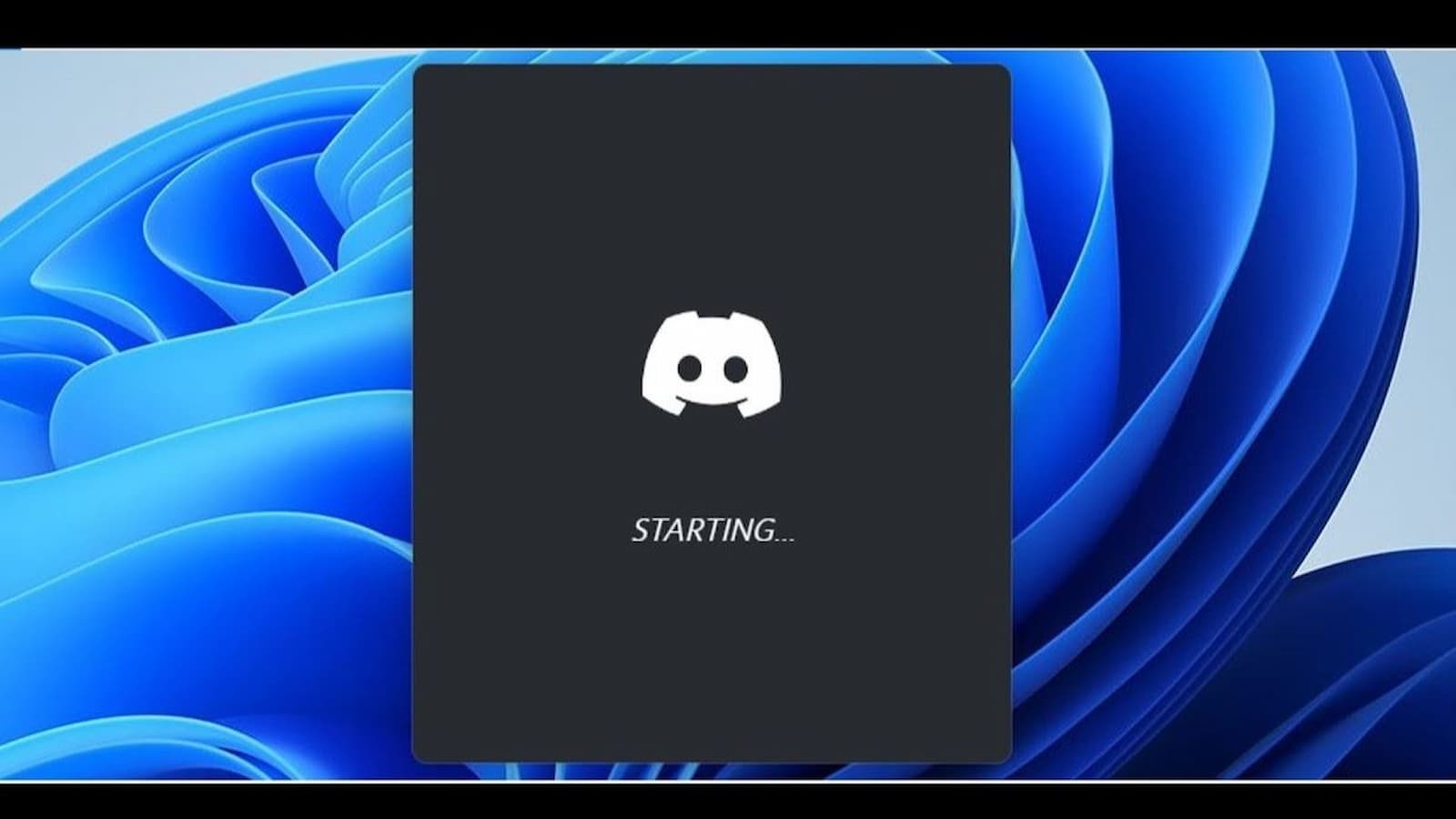
Discord Screen Freez: Many people think there’s a huge worldwide problem when Discord does not open. But most of the time there is no global outage. The message “Stuck on Starting” is usually a small problem on your own computer. It often happens when the app is trying to update, but an old hidden process from the last time you used it is still running. This blocks the new update and the app cannot start properly.
How to Fix Flash_status_error_universal on Oppo and OnePlus Devices
Close Discord Fully
Sometimes Discord is already running in the background. You just cannot see it.
For Windows users:
- Press Ctrl + Shift + Esc together. This opens Task Manager.
- Click on the “Processes” tab.
- Look for Discord.
- You may see 4 or 5 of them.
- Right click on the main Discord process and choose End Task.
- After that, open Discord again and check if it works.
For Mac users:
- Press Cmd + Space and type “Activity” to open Activity Monitor.
- In the search bar, type discord.
- Click on it and press the X button at the top to stop it.
- Then try opening the app again.
Clear App Data
If the first method does not help, your local app files may be damaged. Do not worry. This will not delete your chats or servers. You may just need to log in again.
For Windows:
- first make sure Discord is fully closed using Task Manager.
- Then press Windows Key + R. Type %appdata% and press Enter.
- Find the folder named discord and delete it.
- It is also better to press Win + R again, type %localappdata%, and delete the discord folder there too.
- Now open Discord again. It will act like a new install and download fresh files.
For Mac:
- Open Finder.
- Click Go and then Go to Folder.
- Type ~/Library/Application Support/discord and press Enter.
- Delete the folders named Cache, Code Cache, and GPUCache.
- After that, reopen the app.
How To Fix Disney+ Error Code 83 Quickly and Easily
Check your Computer time
Sometimes the issue happens because your system time is not correct. Discord needs your clock to match the server time. Even a 2 minute difference can cause it to freeze on “Starting.”
On Windows:
- Right click the clock on the taskbar.
- Choose Adjust date/time and click “Sync now”.
On Mac:
- Go to System Settings > then General > then Date & Time.
- Turn “Set time automatically” off and then on again.
Use a Web Browser
If the app still does not open then:
- Go to the discord.com/login on Chrome or Edge and try signing in there.
- If the website works then the desktop app is the problem. You should uninstall and reinstall it.
If the website also does not work even then-
- There maybe an issue with your internet.
- Your IP address could be blocked or your internet providermay be having routing problems. You can try restarting your router.
- You can try using a VPN to see if that helps.